
Best Printer for Stickers · Cricut Print Then Cut

Best Printer for Cricut Print Then Cut

For Cricut Print Then Cut, choose a colour inkjet that handles your sticker media: our top pick is the Epson EcoTank ET-2800. Cricut recommends an inkjet and says laser printers are not for heat-sensitive materials like printable vinyl. On letter paper, Print Then Cut images max out at 7.44 by 9.94 inches, so a letter-size printer covers the Joy Xtra, Explore and Maker.

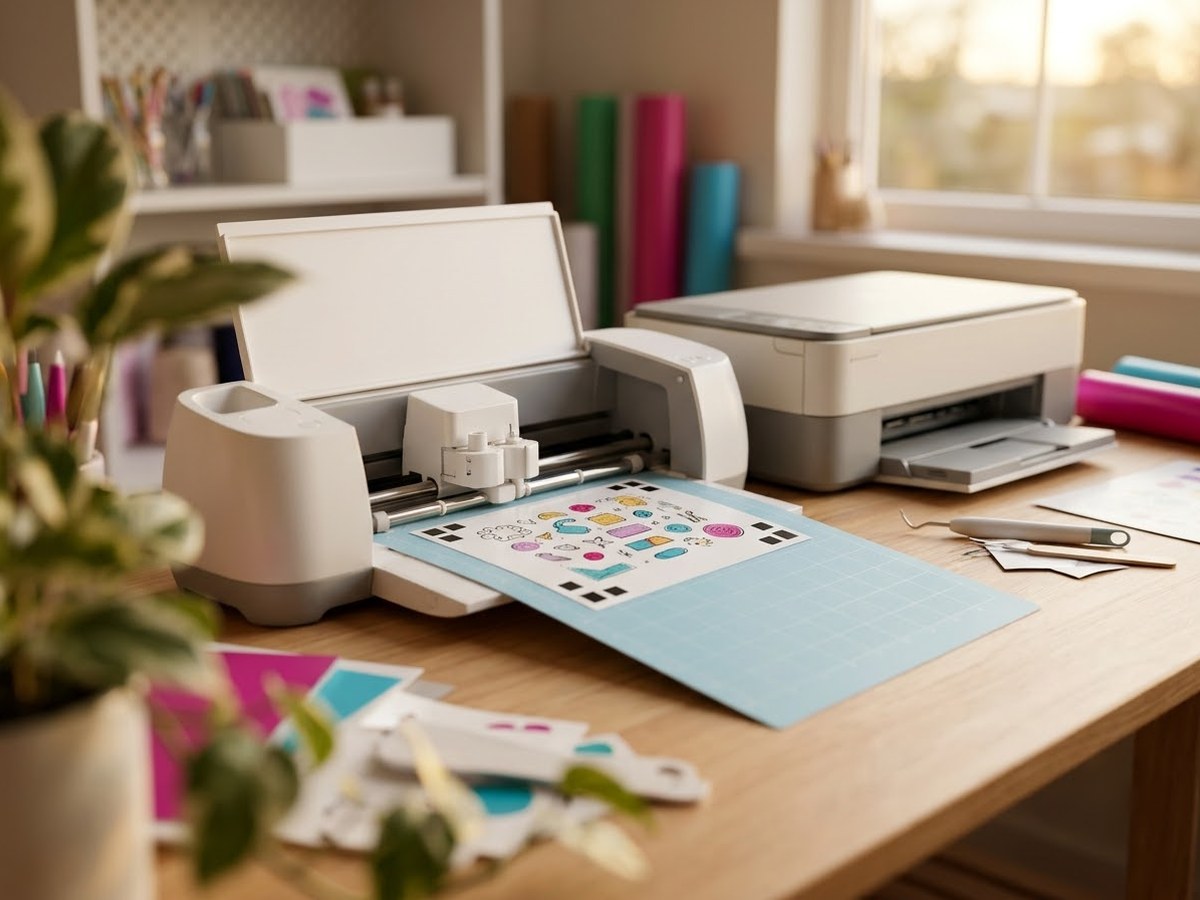
Cutting machine taking a printed sticker sheet with a black registration border, next to a home inkjet printer

Our top 3

Top picks at a glance

Best for Print Then Cut#1
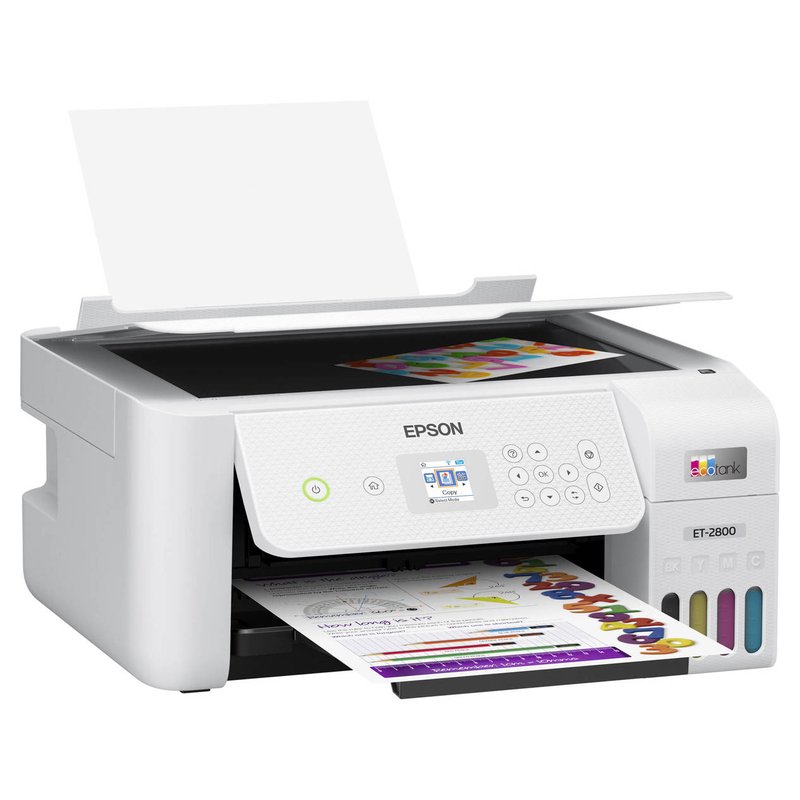
Epson EcoTank ET-2800 printer

Epson EcoTank ET-2800

Mid-range price range

Low-cost refillable ink on letter-size sheets; Art Side of Life’s budget pick for Print Then Cut.

What owners say ›
Best for crafters#2
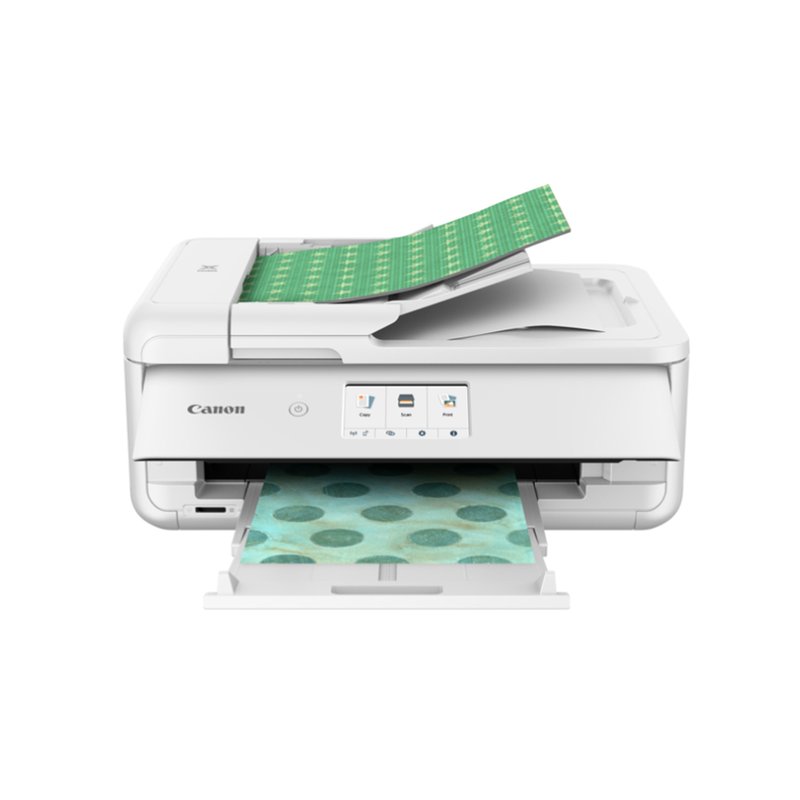
Canon PIXMA TS9521Ca printer

Canon PIXMA TS9521Ca

Mid-range price range

Canon’s crafting printer, with a rear tray and support for 12″ × 12″ paper.

What owners say ›
Best budget#3
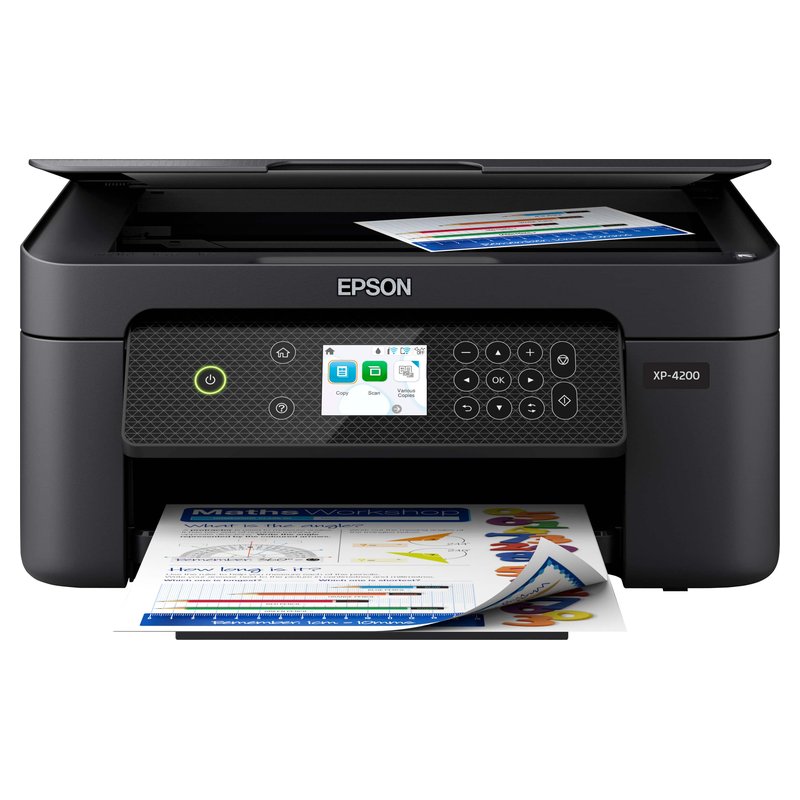
Epson Expression Home XP-4200 printer

Epson Expression Home XP-4200

Budget price range

A small cartridge Epson with pigment black for occasional Print Then Cut sheets.

What owners say ›

In detail

Who each one suits

Specifications are each brand’s own; notes draw on sticker paper makers, Cricut’s help centre and independent reviews. We have not tested or used these printers ourselves.

Best for Print Then Cut#1

Epson EcoTank ET-2800

The ET-2800 is the sensible default for most people who want to print stickers at home. It is a plain four-colour EcoTank with refillable bottles instead of cartridges, so the full-coverage designs that drain cartridges quickly cost far less to feed, and Art Side of Life and Castle Ink both name it a budget pick for stickers.

Why it stands out

  • Refillable 522 ink bottles; Epson rates a replacement set at 4,500 pages black and 7,500 colour on its ISO test pages.
  • Epson lists photo paper up to 300 g/m² and custom sheet sizes up to 8.5″ × 47.2″.
  • Named a budget pick for stickers and for Cricut Print Then Cut by Art Side of Life, and the best budget ink tank by Castle Ink.
Type4-colour ink tank inkjet
Ink or mediaEpson 522 refill bottles
Largest sizeLegal; custom up to 8.5″ × 47.2″
Paper handlingRear-loading feeder; Epson photo paper up to 300 g/m²
Best forEveryday stickers at a low ink cost

Good fit if

  • You print stickers regularly and want ink to stop being the expensive part.
  • Your sheets are letter size, which also covers Cricut Print Then Cut.
  • You also need a basic scanner and copier.

Skip it if

  • You want 13″ × 19″ sheets: look at the ET-8550.
  • You want the smoothest gradients: four colours are less subtle than six-ink photo models.
  • You need automatic two-sided printing for documents: the ET-2980 adds it.

Epson does not state on the ET-2800 page whether its 522 inks are dye or pigment. Either way, laminate stickers that will be handled a lot or get wet.
Best for crafters#2

Canon PIXMA TS9521Ca

Canon sells the TS9521Ca as an all-in-one crafting printer. Its draw for sticker makers is paper size: it handles up to 11″ × 17″ and supports 12″ × 12″ scrapbook paper, with a rear tray for specialty media and a front cassette for everyday paper.

Why it stands out

  • Supports 12″ × 12″ and up to 11″ × 17″ paper.
  • Rear tray plus a front cassette, with automatic two-sided printing.
  • Art Side of Life calls the series its crafters’ pick for stickers, vinyl and transfer paper.
TypeCartridge inkjet sold as a crafting printer
Ink or mediaIndividual ink cartridges
Largest size11″ × 17″; 12″ × 12″ supported
Paper handlingRear tray plus front cassette
Best forCrafters and scrapbook-size sheets

Good fit if

  • You make stickers, cards and scrapbook pages and want one printer for all of it.
  • You use square craft paper.

Skip it if

  • You print a lot: cartridges cost much more per sheet than an ink tank.
  • You only use a Cricut Joy Xtra, Explore or Maker on letter paper: a letter-size printer does the same job.

Canon’s pages confirm the older TS9521C’s cartridges (pigment black plus dye colours); check the cartridge list on the TS9521Ca listing before you buy ink.

Best budget#3

Epson Expression Home XP-4200

If you only make stickers now and then, the XP-4200 keeps the upfront spend low. It is a small four-cartridge Epson with automatic two-sided printing and borderless letter-size output. Its small cartridges are the trade-off.

Why it stands out

  • Pigment black with dye colours (Epson Claria inks).
  • Borderless printing on Letter, A4, 8×10, 5×7 and 4×6.
  • Art Side of Life names it Epson’s budget pick for stickers.
Type4-colour cartridge inkjet
Ink or mediaEpson 232 cartridges (pigment black)
Largest sizeLegal; custom up to 8.5″ × 47.2″
Paper handlingSingle 100-sheet input; weight limit not published
Best forOccasional stickers on a small budget

Good fit if

  • You print stickers occasionally, a few sheets at a time.
  • You want one printer for homework, documents and the odd sticker sheet.

Skip it if

  • You print full-colour sheets every week: Epson rates the standard 232 colour cartridge at 140 ISO pages.
  • You use very thick sticker stock: Epson does not publish a media weight limit for it.
Also worth a look

Cricut Joy Xtra

The Joy Xtra is the smallest Cricut that can Print Then Cut. You print the design on your own inkjet with Cricut’s sensor marks, and the machine reads the marks and cuts around each sticker. It does not print anything itself.

Why it stands out

  • Print Then Cut up to 7.44″ × 9.94″ on letter paper, or 7.2″ × 10.62″ on A4 (Cricut).
  • Cuts on a mat up to 8.2″ × 11.7″; Bluetooth to Design Space.
  • Tom’s Guide called it its top recommendation for people getting started.
TypeCutting machine (does not print)
Ink or mediaPairs with your inkjet for Print Then Cut
Largest sizePrint Then Cut 7.44″ × 9.94″ on Letter
Paper handlingMat cutting up to 8.2″ × 11.7″
Best forCutting home-printed sticker sheets

Good fit if

  • You already have, or are buying, a home inkjet.
  • You want die-cut or kiss-cut stickers without cutting by hand.

Skip it if

  • You want tabloid or A3 Print Then Cut sheets: Cricut lists those for Explore, Maker and Venture only.
  • You want one box that prints and cuts: see the PixCut S1.
Also worth a look

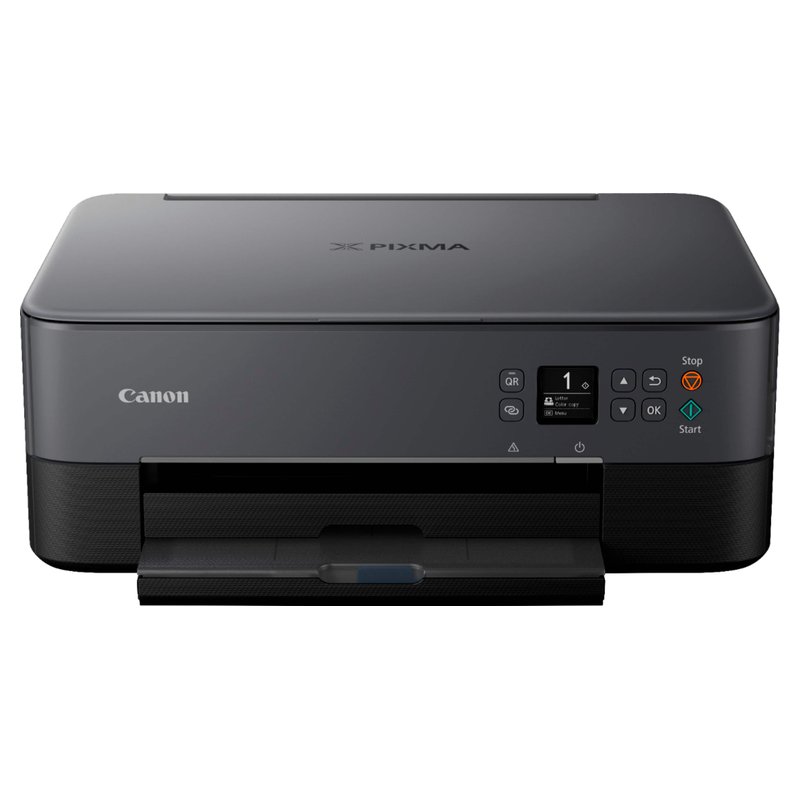
Canon PIXMA TS6420a

The TS6420a is a Budget-tier way in. It is a small two-cartridge Canon with a rear tray and a front cassette, and Art Side of Life calls it the cheapest printer for Cricut Print Then Cut that still behaves.

Why it stands out

  • Rear tray for specialty media plus a 100-sheet front cassette.
  • Automatic two-sided printing and borderless printing up to letter size.
  • Canon lists restickable photo paper, magnetic paper and card stock among supported media.
Type2-cartridge inkjet
Ink or mediaPG-260 black + CL-261 colour
Largest sizeLegal 8.5″ × 14″
Paper handlingRear tray plus front cassette
Best forStarting out on a Budget-tier printer

Good fit if

  • You are testing whether sticker making is for you.
  • You print a few sheets a month.

Skip it if

  • You print often: Canon rates its value-pack cartridges at about 300 colour pages.
  • You want borderless sticker sheets: Canon says photo stickers can’t print borderless on it.

Canon’s own store has shown it out of stock; make sure the listing is sold new.

Pairing a printer with your Cricut?

Letter-size sheets cover Print Then Cut on most machines. A refillable ink tank keeps full-colour sheets affordable.

See customer reviews ›

Tips

Three things that make the difference

01

Print at 100% scale

Cricut says to print in portrait, one page per sheet, and never fit-to-page or shrink, or the marks won’t line up.

02

Keep the bleed on

Cricut adds a bleed to each image by default and recommends printing with it for the best cut results.

03

Calibrate on plain paper

Cricut calibrates with the black ink only, at the highest quality, on white non-textured copy paper.

Honest note

Bigger is not always better here. The Joy Xtra handles only letter and A4 Print Then Cut, and only the Venture supports 12-by-12 and 13-by-19 inch sheets. A large-format printer only pays off if your machine can use the size.

FAQ

Questions people ask

Does Cricut work with any printer?

Cricut asks for a home printer that can print in colour and recommends inkjet. It says laser printers are not for heat-sensitive materials such as printable vinyl or iron-on. Print Then Cut may not support every paper size your printer can use, so check the page size settings in Design Space.

Can I use a laser printer for Print Then Cut?

Yes, on laser-safe media. Cricut lists laser as an alternative that is not for heat-sensitive materials, and its standard printable vinyl and sticker paper are inkjet-only. Cricut does sell a laser printable vinyl.

What size can I Print Then Cut?

On letter paper, 7.44 by 9.94 inches; on A4, 7.2 by 10.62 inches, for the Joy Xtra, Explore, Maker and Venture, according to Cricut. Sensor marks take up part of the page, so the cuttable area is not a full rectangle.

Can the original Cricut Joy Print Then Cut?

No. Cricut says the original Cricut Joy can cut and draw but is not capable of Print Then Cut. The Joy Xtra and Joy 2 can.

Why is my Cricut not reading the marks?

Light and gloss are the usual causes. Cricut says direct sunlight or lamps aimed at the machine can interfere, and that glossy sheets reflect; matte tape over the marks helps. Smudges near the marks, wrinkles and wrong mat placement also cause errors.

Do I need to calibrate for Print Then Cut?

If cuts land off your printed lines, yes. Cricut’s calibration prints a sheet with black ink at the highest quality on white copy paper, then the machine cuts test lines. Large offsets can take more than one calibration.

A reliable inkjet makes Print Then Cut easy

Want the full picture? See all our picks for the best printer for stickers, compared by use, and the FAQ on paper, ink and cutting.