
Best Printer for Stickers · Laser printers

Best Laser Printer for Stickers

For laser stickers, choose a color laser whose manual slot is rated for labels and glossy laser media: our top pick is the Brother HL-L3280CDW. Toner fused onto laser-rated vinyl or label stock resists water without a topcoat, and OnlineLabels says toner lasts longer outdoors than ink. The catch: lasers need laser sticker sheets, and Brother says not to use inkjet paper.

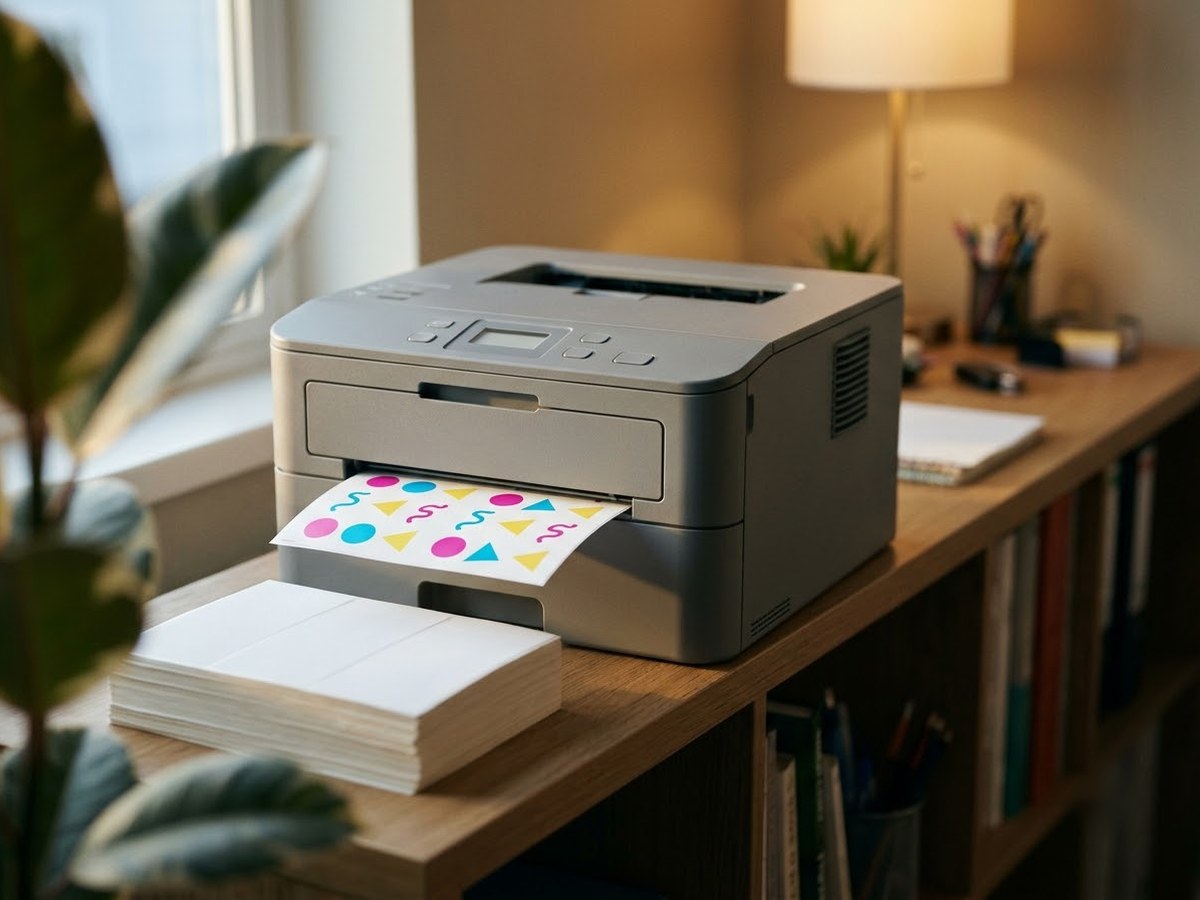
Compact color laser printer with a sheet of matte sticker labels in its output tray

Our top 3

Top picks at a glance

Best laser for stickers#1
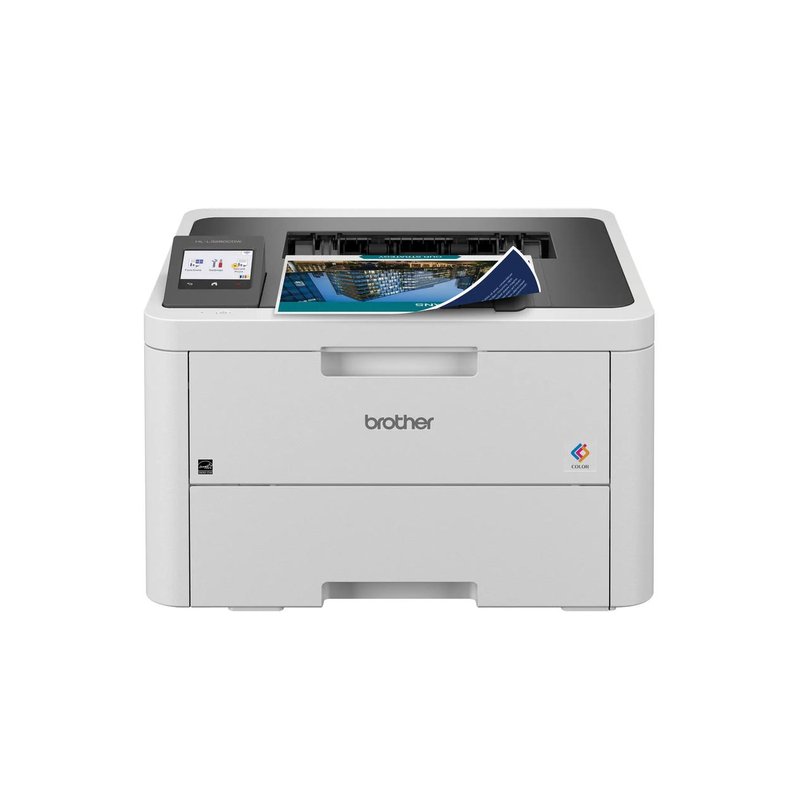
Brother HL-L3280CDW printer

Brother HL-L3280CDW

Mid-range price range

Up to 27 ppm, with labels, glossy and thick paper listed for the manual slot.

See specs ›
Best for HP households#2
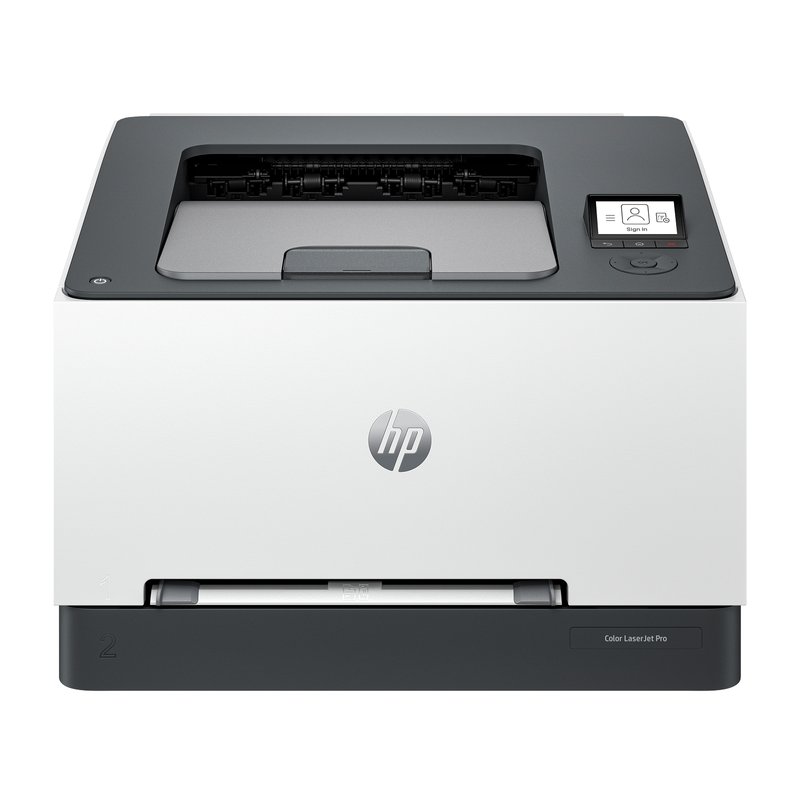
HP Color LaserJet Pro 3201dw printer

HP Color LaserJet Pro 3201dw

Mid-range price range

One-sheet priority feed and glossy media up to 52 lb bond.

See specs ›
Best value laser#3
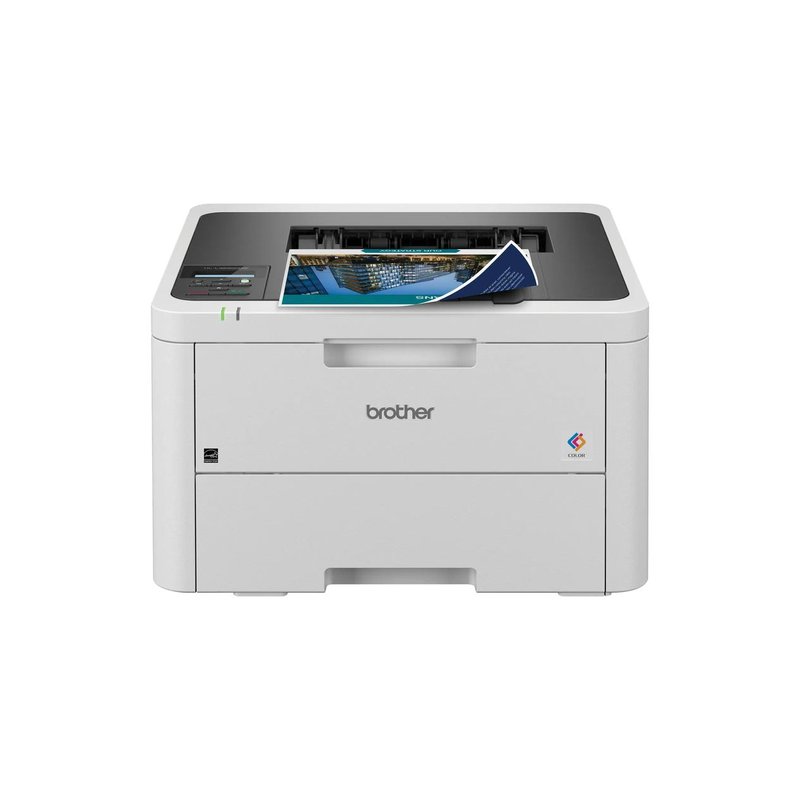
Brother HL-L3220CDW printer

Brother HL-L3220CDW

Mid-range price range

Same toner and manual-slot media as the HL-L3280CDW, slower and simpler.

See specs ›

In detail

Who each one suits

Specifications are each brand’s own; notes draw on sticker paper makers, Cricut’s help centre and independent reviews. We have not tested or used these printers ourselves.

Best laser for stickers#1

Brother HL-L3280CDW

If you want stickers that shrug off a splash without laminating, a color laser on laser-rated sticker stock is the route, and the HL-L3280CDW is a fast, well-reviewed one. Its manual slot is rated for labels and glossy media, one sheet at a time.

Why it stands out

  • Up to 27 pages per minute in black and colour, per Brother.
  • Brother lists labels, glossy paper and thick paper (60–163 g/m²) for the manual feed slot.
  • TN229 toner, with high-yield XL cartridges rated up to 3,000 pages black.
TypeColor laser, 27 ppm
Ink or mediaTN229 toner (standard or XL)
Largest sizeLegal 8.5″ × 14″
Paper handlingSingle-sheet manual slot; 16–43 lb bond
Best forLaser-rated sticker sheets in volume

Good fit if

  • You print matte sticker labels or product labels in volume.
  • You want prints that stay put if they get wet, on laser-rated stock.
  • Speed matters more than photo colour.

Skip it if

  • You use inkjet printable vinyl or inkjet sticker paper: Brother says not to use inkjet paper in this printer.
  • Your stickers are photos or detailed art: laser output is less photographic.
Best for HP households#2

HP Color LaserJet Pro 3201dw

HP’s compact color laser lists labels, glossy and heavy paper among its media types, with a one-sheet priority feed for specialty stock. It is a solid home-office laser; photos are not its strength.

Why it stands out

  • Priority feed tray for single specialty sheets; glossy media up to 52 lb bond.
  • Up to 26 pages per minute, with automatic two-sided printing.
  • TechRadar gave it a Recommended badge for home offices.
TypeColor laser, 26 ppm
Ink or mediaHP 218A / 218X toner
Largest sizeLegal 8.5″ × 14″
Paper handling1-sheet priority feed; glossy up to 52 lb bond
Best forLaser stickers in a home office

Good fit if

  • You want laser stickers and labels plus fast everyday printing.
  • You only buy HP-brand toner anyway.

Skip it if

  • You want to use third-party toner: HP says dynamic security may block cartridges with non-HP chips.
  • Your stickers are photos: reviewers found its photos unnatural.
Best value laser#3

Brother HL-L3220CDW

The HL-L3220CDW is the slower, simpler sibling of the HL-L3280CDW. It uses the same TN229 toner and the same single-sheet manual slot for labels and glossy laser media, at 19 pages per minute and without Ethernet or a touchscreen.

Why it stands out

  • Same manual-slot media list as the HL-L3280CDW, including labels and glossy paper.
  • Shares TN229 toner, so supplies are easy to find.
  • Automatic two-sided printing.
TypeColor laser, 19 ppm
Ink or mediaTN229 toner (standard or XL)
Largest sizeLegal 8.5″ × 14″
Paper handlingSingle-sheet manual slot; 16–43 lb bond
Best forOccasional laser stickers and labels

Good fit if

  • You print laser sticker labels occasionally and want the cheaper Brother.
  • Your printer will live on Wi-Fi, not a wired network.

Skip it if

  • You print large batches: the HL-L3280CDW is faster.
  • You want inkjet vinyl or photo stickers.

Want stickers that shrug off a splash?

Toner on laser-rated vinyl resists water without laminating. Check the media types on the product page.

What owners say ›

Tips

Three things that make the difference

01

Buy laser-rated sheets

Avery’s rule is laser products in laser printers. OnlineLabels’ laser weatherproof vinyl and Cricut’s laser printable vinyl are made for laser printers.

02

Feed one sheet at a time

Use the manual slot for sticker sheets. Brother recommends removing printed label sheets from the output tray immediately.

03

Don’t print past the edge

Avery warns that printing past the edge on laser film labels can build up toner along the cut line.

Honest note

Laser is the wrong tool for photo stickers and for most craft supplies. Cricut’s standard printable vinyl and sticker paper are inkjet-only, Which? says lasers can’t use glossy photo paper made for inkjets, and reviewers describe these printers’ photos as unnatural.

FAQ

Questions people ask

Can you print stickers with a laser printer?

Yes, on laser-rated sticker sheets. Avery sells sticker papers designed for both laser and inkjet, and laser-only vinyl and film. Avery does not recommend running inkjet products through a laser printer because they cannot withstand the heat.

Are laser-printed stickers waterproof?

On the right stock they can be. Avery says its laser vinyl sheets keep water from affecting the print, and OnlineLabels says laser toner is already waterproof. The sticker material itself still has to be vinyl or film, not paper.

Can a laser printer print on glossy sticker paper?

Only glossy stock made for laser printers. Brother lists glossy paper for the HL-L3280CDW’s manual slot, while HP says not to use glossy paper designed for inkjet printers. Which? says lasers cannot print on glossy photo paper.

Will laser heat melt sticker paper?

Inkjet sticker paper can be damaged. Avery lists wilting, weakened adhesive, colour change and jams as risks of inkjet products in lasers, and Cricut says laser heat may damage its inkjet vinyl. Laser-rated label stock is designed for that heat.

Is laser cheaper than inkjet for stickers?

For high volumes of matte labels, often. Canon USA says high-volume printers get more value per page from laser. Ink tank inkjets also have low running costs; Which? says ink tanks cost a lot less to print with than lasers.

Can I use a laser printer with Cricut Print Then Cut?

Yes, with laser-safe media. Cricut lists laser as an alternative that is not for heat-sensitive materials, and it sells a laser printable vinyl. Its standard printable vinyl and sticker paper are inkjet-only.

Laser stock, one sheet at a time, no topcoat needed

Want the full picture? See all our picks for the best printer for stickers, compared by use, and the FAQ on paper, ink and cutting.