Best Printer for Stickers · Sticker business

Best Printer for a Sticker Business

For a sticker business, choose a refillable ink-tank printer with a straight paper path and, ideally, 13-by-19-inch sheets: our top pick is the Epson EcoTank Photo ET-8550. Weekly printing makes ink cost the biggest running expense, and refill bottles cost far less per sheet than cartridges. Large sheets and a rear slot for thick media help you print and cut in bigger batches.

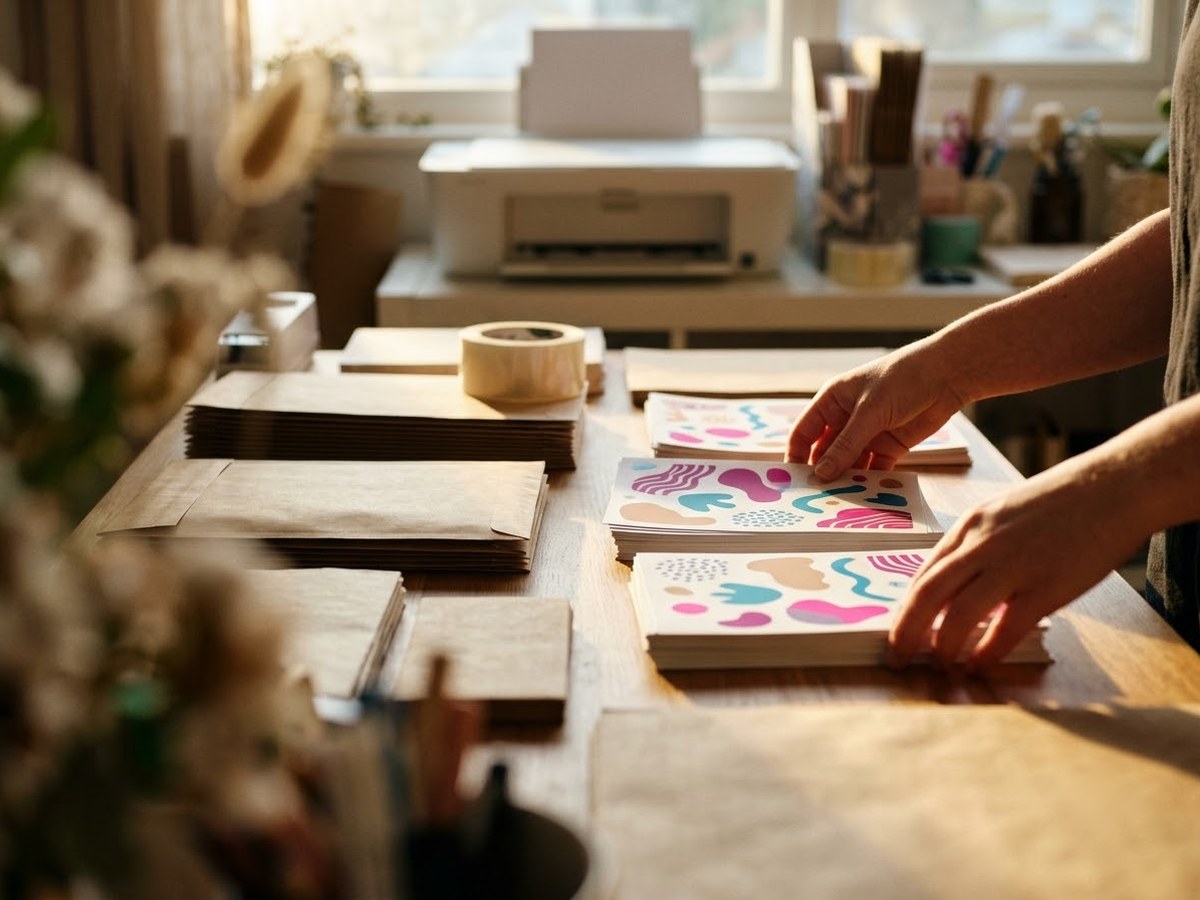
Home sticker shop table with sorted sticker sheets, kraft mailers and a printer in the background

Our top 3

Top picks at a glance

Best for sticker shops#1
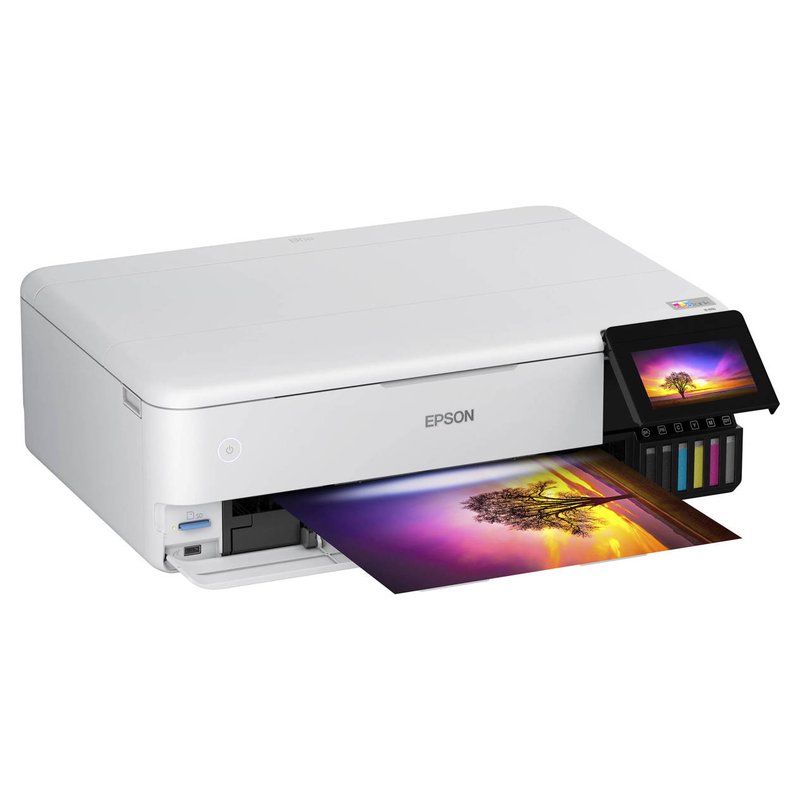
Epson EcoTank Photo ET-8550 printer

Epson EcoTank Photo ET-8550

Premium price range

Six refillable inks, borderless 13″ × 19″ and media up to 1.3 mm through the rear slot.

See specs ›
Best letter-size workhorse#2
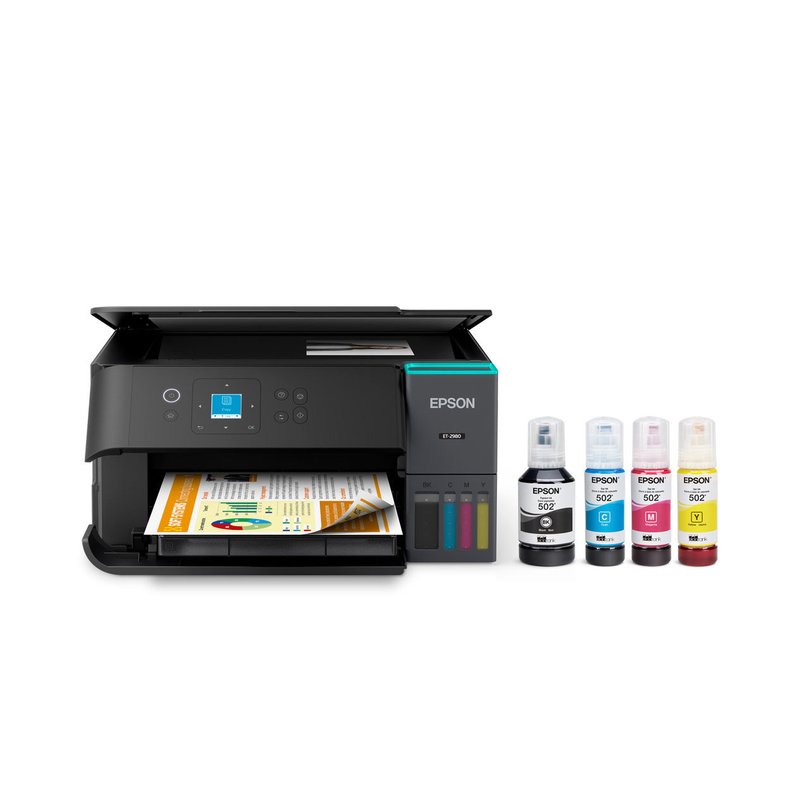
Epson EcoTank ET-2980 printer

Epson EcoTank ET-2980

Mid-range price range

Large 502 bottles, auto duplex for paperwork and a rear feed for sticker sheets.

See specs ›
Best for vivid colour#3
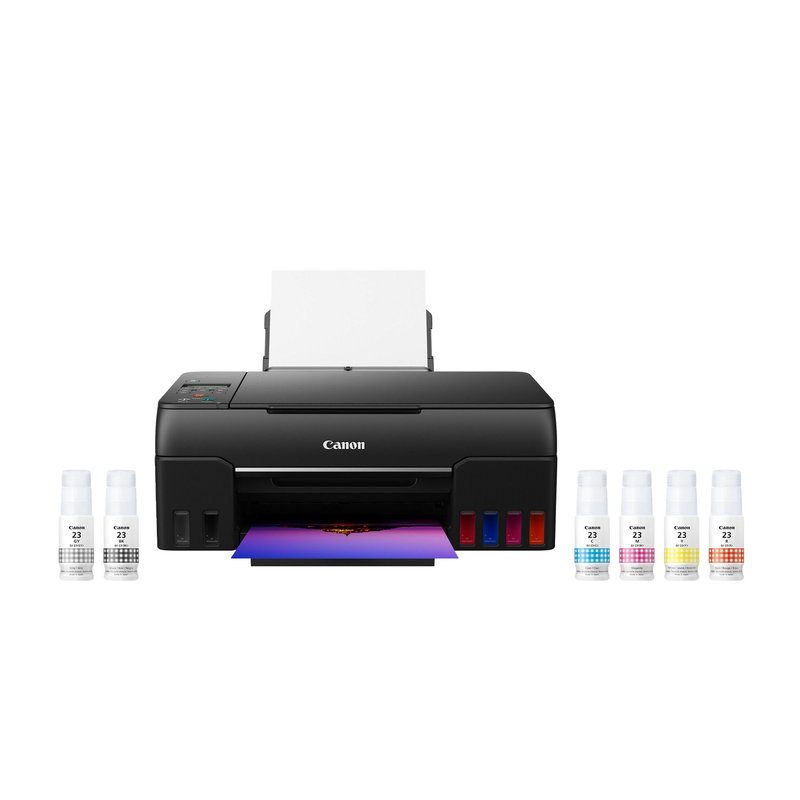
Canon PIXMA G620 printer

Canon PIXMA G620

Mid-range price range

Six dye inks including red and gray for bright illustrated designs.

See specs ›

In detail

Who each one suits

Specifications are each brand’s own; notes draw on sticker paper makers, Cricut’s help centre and independent reviews. We have not tested or used these printers ourselves.

Best for sticker shops#1

Epson EcoTank Photo ET-8550

The ET-8550 is the upgrade for big sticker sheets and heavy stock. It is a six-colour EcoTank that prints borderless up to 13″ × 19″ and has a rear straight-through slot for media up to 1.3 mm thick, so it takes thick sheets one at a time.

Why it stands out

  • Borderless printing up to 13″ × 19″ (A3+), per Epson.
  • Rear straight pass for card stock and specialty media up to 1.3 mm.
  • Six 552 inks; Epson rates the black bottle at 6,700 ISO pages and each colour at 6,200.
Type6-colour ink tank inkjet
Ink or mediaEpson 552 bottles, six colours
Largest size13″ × 19″ (A3+)
Paper handlingRear straight pass for media up to 1.3 mm
Best forBig sheets and thick stock

Good fit if

  • You sell stickers or print large sheets you cut down later.
  • You use thick vinyl, magnet sheets or card stock.
  • You want low ink cost per sheet and photo-grade colour.

Skip it if

  • You only print a few letter-size sheets a month: the ET-2800 does that for far less.
  • Desk space is tight: it is a large, heavy wide-format machine.

Epson’s rear slot takes one sheet at a time, and card stock from 0.61 mm needs that slot.
Best letter-size workhorse#2

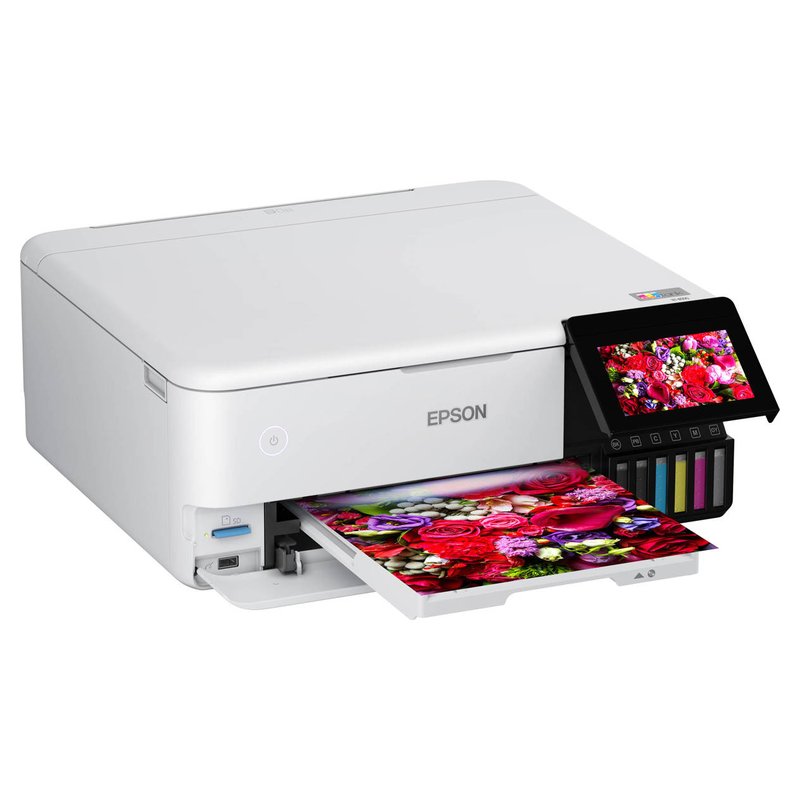
Epson EcoTank ET-2980

The ET-2980 is Epson’s replacement for the ET-2850: a four-colour EcoTank with automatic two-sided printing and larger 502 ink bottles. For a sticker shop that also prints invoices and packing slips, it is the more capable everyday machine than the ET-2800.

Why it stands out

  • Epson rates 502 black at 8,500 ISO pages and each colour at 6,500.
  • Automatic two-sided printing and a rear feed that takes 20 photo sheets.
  • Epson says it is up to 50% faster than the ET-2850 it replaces.
Type4-colour ink tank inkjet
Ink or mediaEpson 502 refill bottles
Largest sizeLegal 8.5″ × 14″
Paper handlingRear feed, 20 photo sheets; auto duplex
Best forBusy letter-size printing

Good fit if

  • You print stickers and business paperwork on the same machine.
  • You want ink-tank running costs in a letter-size printer.

Skip it if

  • You need photo-grade colour: TechRadar found photos slightly soft and pushed toward red.
  • You need sheets larger than legal size.
Best for vivid colour#3

Canon PIXMA G620

The G620 is a six-ink MegaTank built for photos, and that extra red and gray make illustrated stickers look punchier than on a basic four-colour printer. It feeds everything from a rear tray, which keeps thick sticker sheets on a gentle paper path.

Why it stands out

  • Six GI-23 dye inks (cyan, magenta, yellow, black, red and gray) in refillable tanks.
  • Rear tray only; Canon lists its own media up to about 275 gsm.
  • Castle Ink calls it the best value for vivid colour; TechRadar ranks it among its best photo printers.
Type6-colour MegaTank inkjet
Ink or mediaSix GI-23 dye inks, incl. red and gray
Largest sizeLegal 8.5″ × 14″
Paper handlingRear tray only; Canon paper up to about 275 gsm
Best forVivid illustrated and photo stickers

Good fit if

  • Your stickers are colourful illustrations or photos.
  • You want low running costs and better colour than a four-ink tank.
  • You print on letter-size sheets.

Skip it if

  • You need automatic two-sided printing or a front paper drawer.
  • You want sheets larger than legal size.
  • You need water resistance without laminating: all six inks are dye-based.

Canon notes that its Photo Stickers media cannot be printed borderless on this model. Canon’s own store page has also shown the G620 marked discontinued while still in stock, so check the listing is new before buying.

Also worth a look

Epson EcoTank Photo ET-8500

The ET-8500 is the letter-size version of the ET-8550: the same six 552 inks and the same rear straight-through slot for media up to 1.3 mm, with legal size as the limit.

Why it stands out

  • Six-colour Claria ET Premium inks in refillable bottles.
  • Rear straight pass for thick sticker stock and card up to 1.3 mm.
  • Borderless on Letter, Legal, A4, 8×10, 5×7 and 4×6.
Type6-colour ink tank inkjet
Ink or mediaEpson 552 bottles, six colours
Largest sizeLegal 8.5″ × 14″
Paper handlingRear straight pass for media up to 1.3 mm
Best forPhoto-grade letter-size sheets

Good fit if

  • You want photo-grade sticker colour on letter-size sheets.
  • You use thick or rigid media that bends badly in a U-shaped paper path.

Skip it if

  • You might ever want 13″ × 19″ sheets: the ET-8550 sits in the same Premium tier.
  • You print mostly text: Consumer Reports rates its text quality below most printers.
Also worth a look

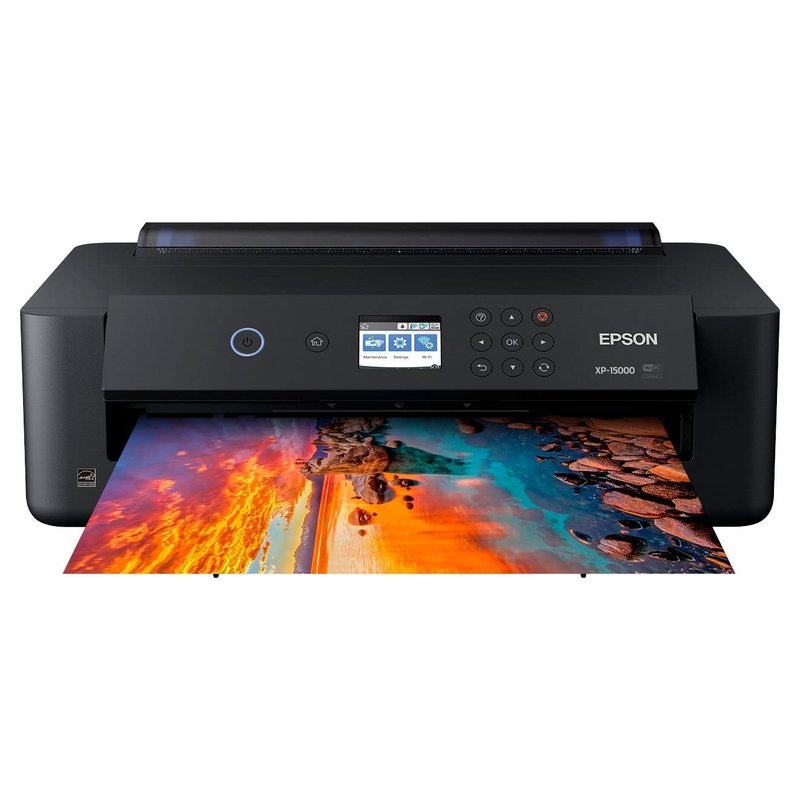
Epson Expression Photo HD XP-15000

The XP-15000 gets you 13″ × 19″ borderless sticker sheets without paying for an ink-tank wide-format printer. It uses six cartridge inks, including red and gray, and has a rear feed for specialty media.

Why it stands out

  • Borderless up to 13″ × 19″, including 11×17 and 12×12.
  • Rear specialty feed for paper up to 23 mil; Epson lists Photo Quality Adhesive Sheets as a paper type.
  • PC Guide’s editor’s pick among printers for stickers.
Type6-colour cartridge inkjet
Ink or mediaClaria Photo HD 312/314 cartridges
Largest size13″ × 19″
Paper handlingRear specialty feed for paper up to 23 mil
Best forLarge sheets without an ink-tank price

Good fit if

  • You want large sheets but print them occasionally.
  • You print art prints as well as stickers.

Skip it if

  • You print a lot of large sheets: cartridges get expensive fast.
  • You are in a hurry: PC Guide calls it slow even on documents.

Printing every week?

Refillable tanks and a straight-through slot keep a sticker shop moving. See how owners rate it for volume.

Read owner reviews ›

Tips

Three things that make the difference

01

Test durability before you sell

Print, laminate and stress-test a sheet with your exact paper. Paper maker claims depend on the ink and coating.

02

Keep the printer busy

Epson recommends a colour page at least weekly to keep nozzles clear; Canon says use it at least once a month.

03

Mind the rights

Etsy says sellers are responsible for having all necessary rights to their designs, and removes reported infringements.

Honest note

Home printing has limits for a shop. Inkjet stickers need laminating to handle water, and no home sticker paper maker we checked claims dishwasher safety. For large orders of tough die-cut vinyl, a print shop may still be the better choice.

FAQ

Questions people ask

What is the best printer for starting a sticker business?

An ink tank with good colour and a rear paper feed. If you can afford it, a 13-by-19-inch model like the Epson ET-8550 lets you print large sheets; Castle Ink names it its best overall sticker printer. The ET-2800 is the lower-cost starting point.

Is an ink tank cheaper for a sticker business?

Yes, over time. Canon USA says ink tank printers offer lower cost per page than cartridge inkjets, and Which? says ink tanks cost a lot less to print with. They cost more upfront, so they pay off with regular printing.

Can I sell stickers printed at home on Etsy?

Yes. Etsy allows items made by sellers using personal or computerized tools. If a third party prints your designs, Etsy requires you to disclose the production partner.

Should I use a laser printer for a sticker business?

It suits matte labels and volume. Canon USA says high-volume users get better per-page value from laser, and Avery says laser is better for waterproof labels with medium-quality colour. Inkjet still wins for photo-like colour and inkjet vinyl.

How do I make stickers durable enough to sell?

Print on vinyl or film, let the ink dry and laminate. Cricut’s Waterproof Sticker Set pairs printable vinyl with a laminate sheet, and OnlineLabels says sprays will not make paper labels waterproof.

When should I outsource sticker printing?

When you need large quantities of very durable die-cut vinyl or finishes a home printer cannot do, such as white ink. Most home printers have no white ink, per OnlineLabels. We found no reliable source for a break-even quantity.

Print in batches, test durability, then scale

Want the full picture? See all our picks for the best printer for stickers, compared by use, and the FAQ on paper, ink and cutting.