
Best Printer for Stickers · Budget picks

Best Budget Printer for Stickers

On a budget, choose a small cartridge inkjet if you print a few sheets a month, or an entry ink tank if you print weekly: our top budget pick is the Epson Expression Home XP-4200. Cartridge printers cost the least to buy but the most per sheet. If sticker making becomes a habit, the Epson ET-2800’s refill bottles cut the running cost.

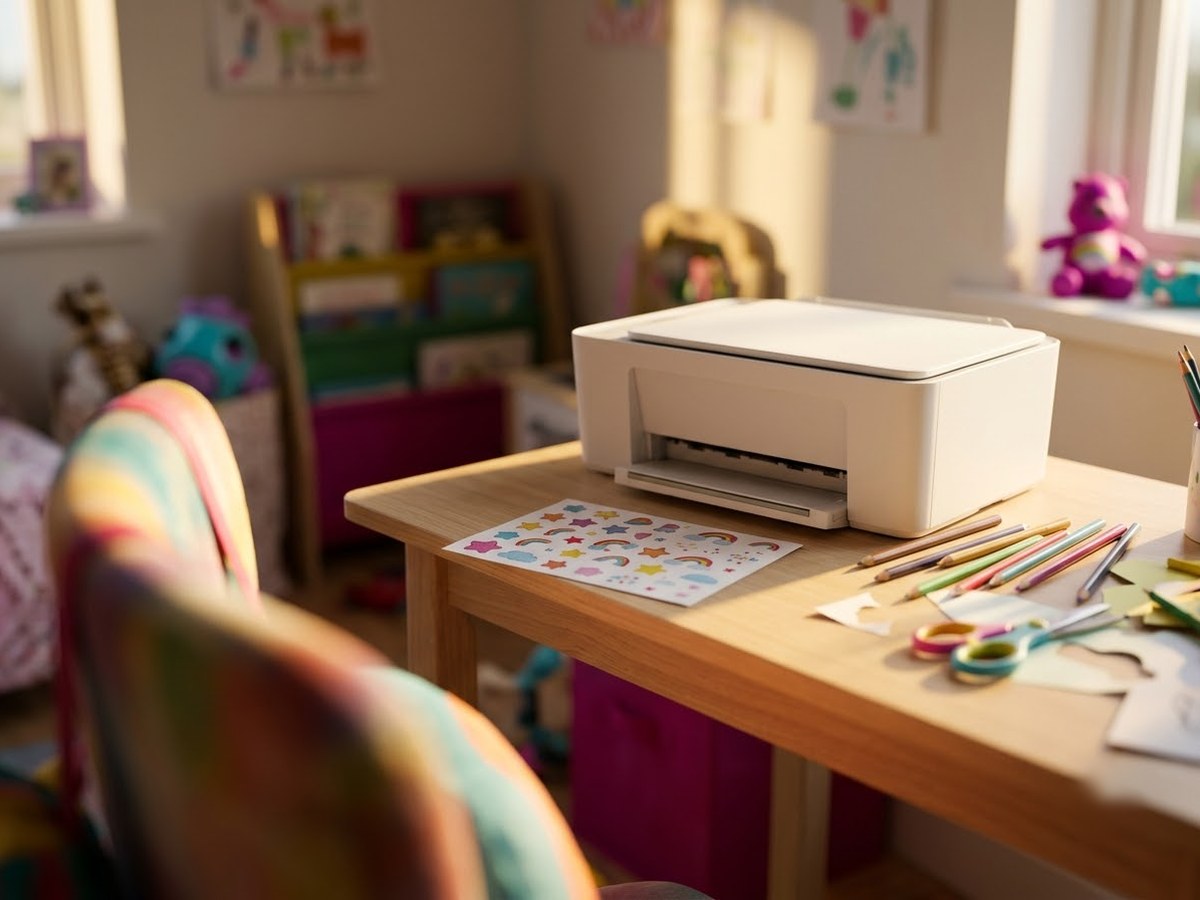
Small home printer on a desk next to a sheet of cheerful printed stickers and colored pencils

Our top 3

Top picks at a glance

Best budget#1
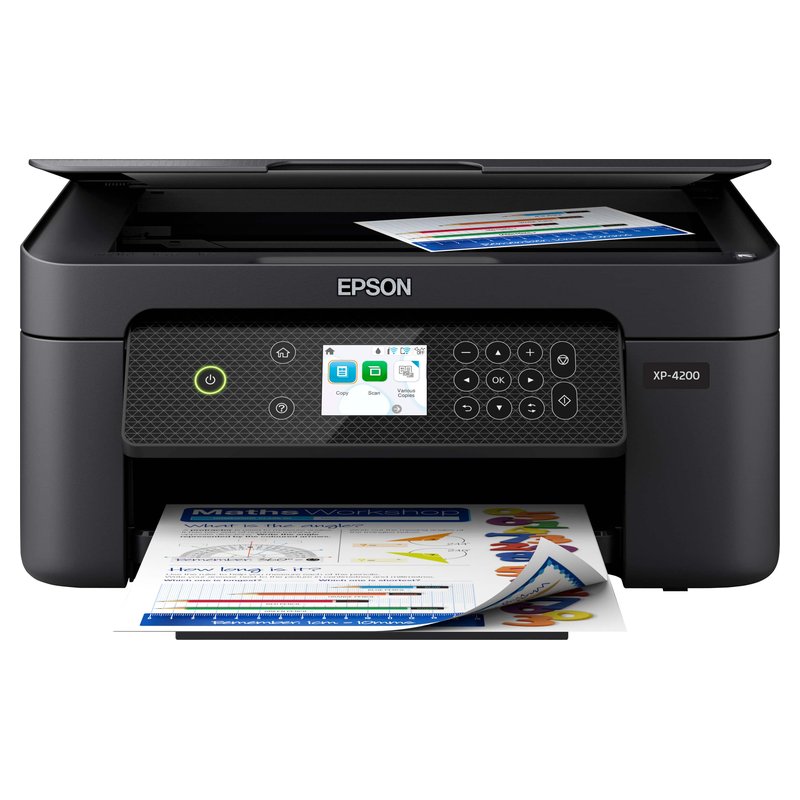
Epson Expression Home XP-4200 printer

Epson Expression Home XP-4200

Budget price range

Pigment black, auto duplex and borderless letter printing for occasional stickers.

See details ›
Budget pick#2
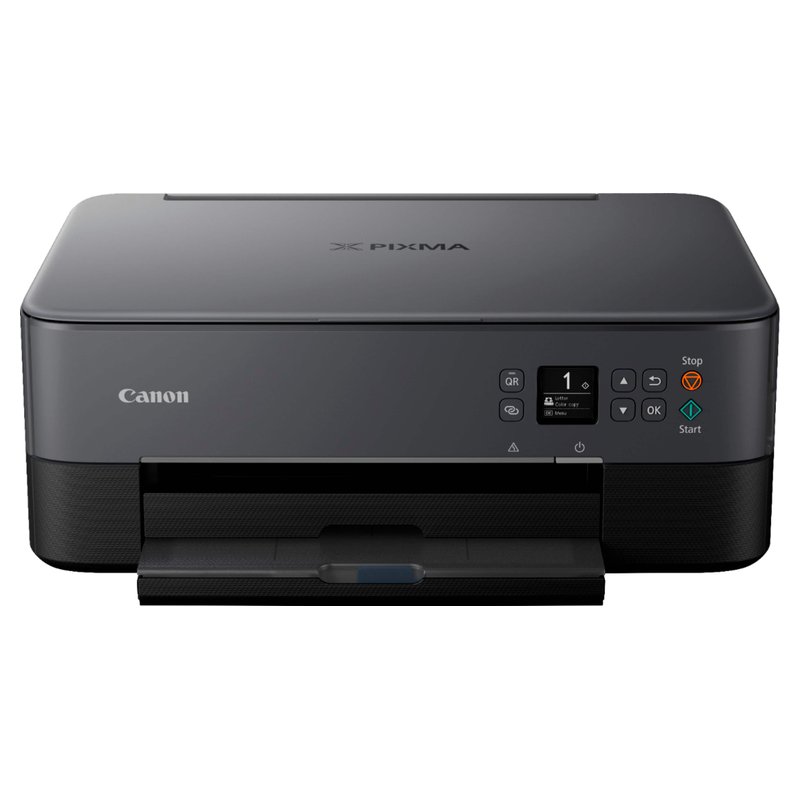
Canon PIXMA TS6420a printer

Canon PIXMA TS6420a

Budget price range

Two cartridges, a rear tray and a front cassette; a common budget Cricut pairing.

See details ›
Best value over time#3
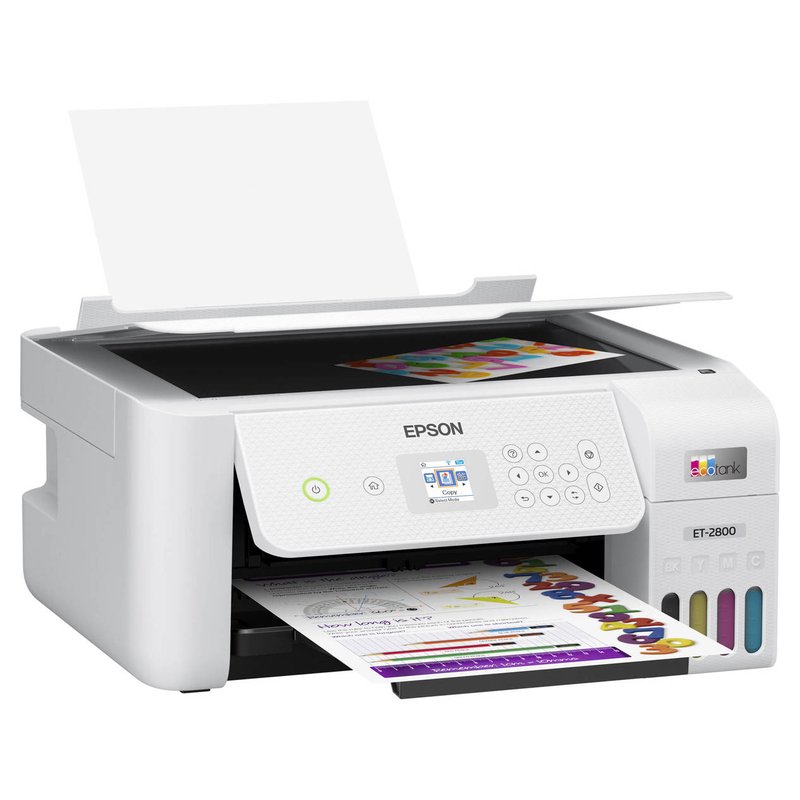
Epson EcoTank ET-2800 printer

Epson EcoTank ET-2800

Mid-range price range

Costs more to buy, but refill bottles make frequent sticker sheets cheap.

See details ›

In detail

Who each one suits

Specifications are each brand’s own; notes draw on sticker paper makers, Cricut’s help centre and independent reviews. We have not tested or used these printers ourselves.

Best budget#1

Epson Expression Home XP-4200

If you only make stickers now and then, the XP-4200 keeps the upfront spend low. It is a small four-cartridge Epson with automatic two-sided printing and borderless letter-size output. Its small cartridges are the trade-off.

Why it stands out

  • Pigment black with dye colours (Epson Claria inks).
  • Borderless printing on Letter, A4, 8×10, 5×7 and 4×6.
  • Art Side of Life names it Epson’s budget pick for stickers.
Type4-colour cartridge inkjet
Ink or mediaEpson 232 cartridges (pigment black)
Largest sizeLegal; custom up to 8.5″ × 47.2″
Paper handlingSingle 100-sheet input; weight limit not published
Best forOccasional stickers on a small budget

Good fit if

  • You print stickers occasionally, a few sheets at a time.
  • You want one printer for homework, documents and the odd sticker sheet.

Skip it if

  • You print full-colour sheets every week: Epson rates the standard 232 colour cartridge at 140 ISO pages.
  • You use very thick sticker stock: Epson does not publish a media weight limit for it.
Budget pick#2

Canon PIXMA TS6420a

The TS6420a is a Budget-tier way in. It is a small two-cartridge Canon with a rear tray and a front cassette, and Art Side of Life calls it the cheapest printer for Cricut Print Then Cut that still behaves.

Why it stands out

  • Rear tray for specialty media plus a 100-sheet front cassette.
  • Automatic two-sided printing and borderless printing up to letter size.
  • Canon lists restickable photo paper, magnetic paper and card stock among supported media.
Type2-cartridge inkjet
Ink or mediaPG-260 black + CL-261 colour
Largest sizeLegal 8.5″ × 14″
Paper handlingRear tray plus front cassette
Best forStarting out on a Budget-tier printer

Good fit if

  • You are testing whether sticker making is for you.
  • You print a few sheets a month.

Skip it if

  • You print often: Canon rates its value-pack cartridges at about 300 colour pages.
  • You want borderless sticker sheets: Canon says photo stickers can’t print borderless on it.

Canon’s own store has shown it out of stock; make sure the listing is sold new.

Best value over time#3

Epson EcoTank ET-2800

The ET-2800 is the sensible default for most people who want to print stickers at home. It is a plain four-colour EcoTank with refillable bottles instead of cartridges, so the full-coverage designs that drain cartridges quickly cost far less to feed, and Art Side of Life and Castle Ink both name it a budget pick for stickers.

Why it stands out

  • Refillable 522 ink bottles; Epson rates a replacement set at 4,500 pages black and 7,500 colour on its ISO test pages.
  • Epson lists photo paper up to 300 g/m² and custom sheet sizes up to 8.5″ × 47.2″.
  • Named a budget pick for stickers and for Cricut Print Then Cut by Art Side of Life, and the best budget ink tank by Castle Ink.
Type4-colour ink tank inkjet
Ink or mediaEpson 522 refill bottles
Largest sizeLegal; custom up to 8.5″ × 47.2″
Paper handlingRear-loading feeder; Epson photo paper up to 300 g/m²
Best forEveryday stickers at a low ink cost

Good fit if

  • You print stickers regularly and want ink to stop being the expensive part.
  • Your sheets are letter size, which also covers Cricut Print Then Cut.
  • You also need a basic scanner and copier.

Skip it if

  • You want 13″ × 19″ sheets: look at the ET-8550.
  • You want the smoothest gradients: four colours are less subtle than six-ink photo models.
  • You need automatic two-sided printing for documents: the ET-2980 adds it.

Epson does not state on the ET-2800 page whether its 522 inks are dye or pigment. Either way, laminate stickers that will be handled a lot or get wet.

Also worth a look

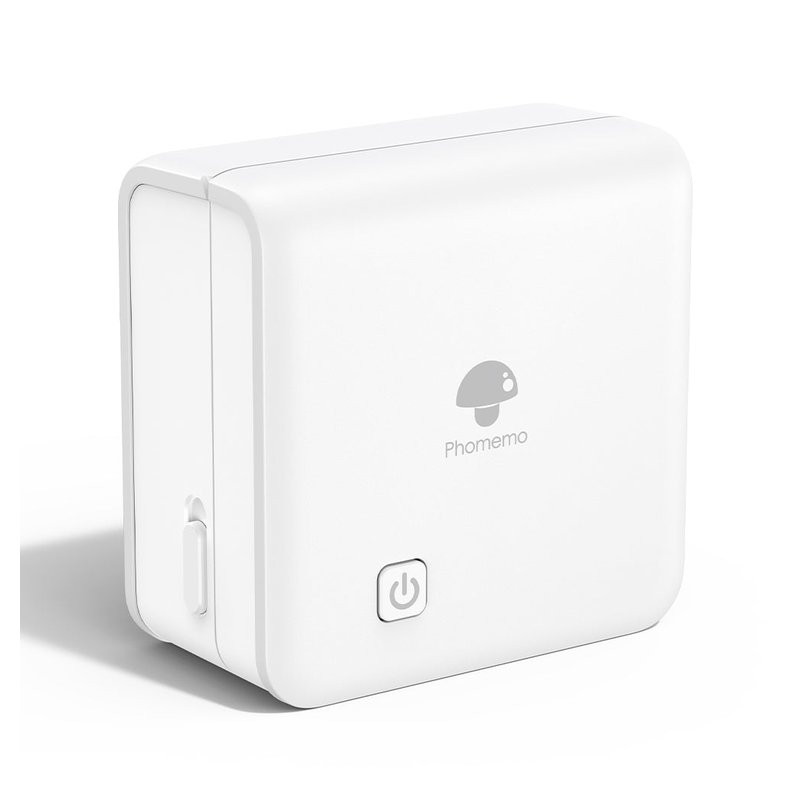
Phomemo M02 Pro

The M02 Pro is a pocket thermal printer: no ink at all, just heat-sensitive sticker rolls printed from a phone app. It is great for planner labels, to-do stickers and little icons, and it prints one colour.

Why it stands out

  • 300 dpi inkless thermal printing, per Phomemo.
  • Takes 53, 25 and 15 mm rolls, including transparent and coloured sticker rolls.
  • Phomemo sells sticker rolls rated 2, 10 or 20 years if kept from heat and sun.
TypePocket thermal printer
Ink or mediaNo ink: thermal sticker rolls
Largest size53, 25 or 15 mm rolls
Paper handling300 dpi, one colour per roll
Best forJournal labels and notes

Good fit if

  • You decorate journals and planners with small labels.
  • You want something that fits in a pencil case.

Skip it if

  • You want colour stickers.
  • Your stickers will sit in sun or heat: the EPA notes thermal prints can be damaged by heat, sunlight, water and friction.

Testing whether sticker making is for you?

Start with a small cartridge printer and a pack of matte sticker paper. Upgrade to an ink tank once you print every week.

Read owner reviews ›

Tips

Three things that make the difference

01

Estimate how often you print

Which? says ink tanks are not ideal for occasional users, while cartridges get expensive with heavy use.

02

Use matte paper first

Matte sticker paper is cheaper than vinyl and easier for cutting machines to read, per Cricut and OnlineLabels.

03

Print regularly

Ink can dry out if a printer sits unused, Which? warns, and cleaning cycles use extra ink.

Honest note

Cheap cartridges run out fast on full-colour sticker sheets. Epson rates the XP-4200’s standard colour cartridge at 140 ISO pages, and Canon rates the TS6420a’s value pack at about 300 colour pages, and Epson’s figure comes from ISO office test pages, not sticker sheets.

FAQ

Questions people ask

What is the cheapest way to print stickers at home?

Use the printer you already own with sticker paper made for it. If you are buying, a small cartridge inkjet costs least upfront. For frequent printing, an ink tank like the Epson ET-2800 costs more to buy and less per sheet.

Is a cartridge printer OK for stickers?

Yes, for occasional sheets. Art Side of Life lists cartridge models such as the Epson XP-4200 among its budget sticker picks. Running costs climb quickly with frequent full-colour sheets.

Is an ink tank worth it on a budget?

If you print weekly, usually. Epson says its replacement bottles save up to 90% versus its standard cartridges, with savings varying by use. Which? says ink tanks are not ideal for occasional printing.

Can a cheap printer handle sticker paper?

Most can if you feed one sheet at a time. Avery suggests the straightest paper path or manual feed and one sheet at a time if the printer double-feeds. Check the media type list on the product page.

Are mini sticker printers cheaper?

They are cheaper to buy but print only small stickers. Thermal models like the Phomemo M02 Pro need no ink and print one colour on narrow rolls. ZINK models print colour on 2-by-3-inch paper.

What sticker paper should I start with?

Matte white inkjet sticker paper. OnlineLabels says sticker paper is more cost-effective and best for indoor or short-term use, while vinyl is for durable stickers.

Spend little now, upgrade when you print every week

Want the full picture? See all our picks for the best printer for stickers, compared by use, and the FAQ on paper, ink and cutting.