
Best Printer for Stickers · Printer + cutter

Best Sticker Printer and Cutter

If you want one machine that prints and cuts, the Liene PixCut S1 is our top pick; for full-size sheets, pair a home inkjet with a Cricut Joy Xtra. Cutting machines such as Cricut and Silhouette do not print: you print with registration marks at home and the cutter reads them. All-in-one sticker makers print, laminate and cut, but only on small sheets.

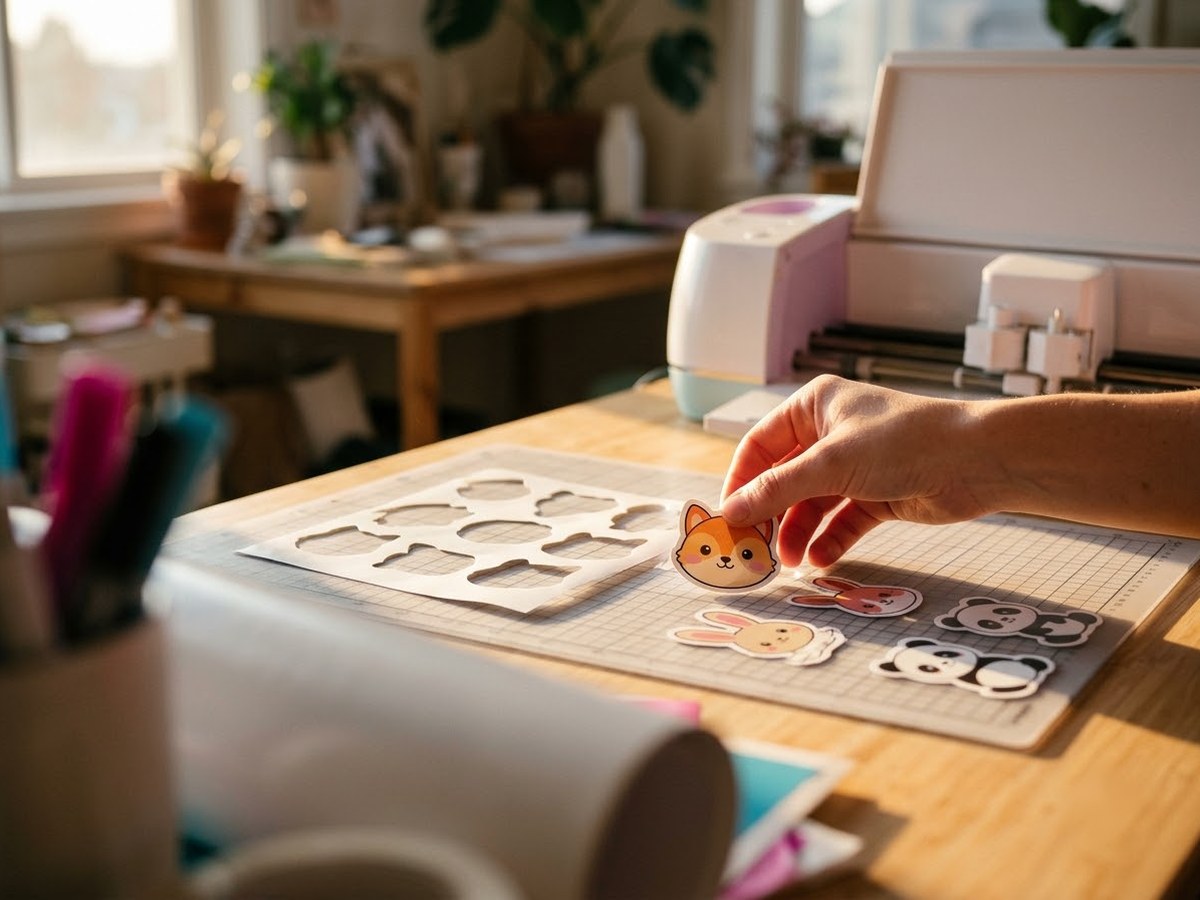
Freshly cut die-cut stickers lifted off a cutting mat beside a cutting machine

Our top 3

Top picks at a glance

Best all-in-one#1
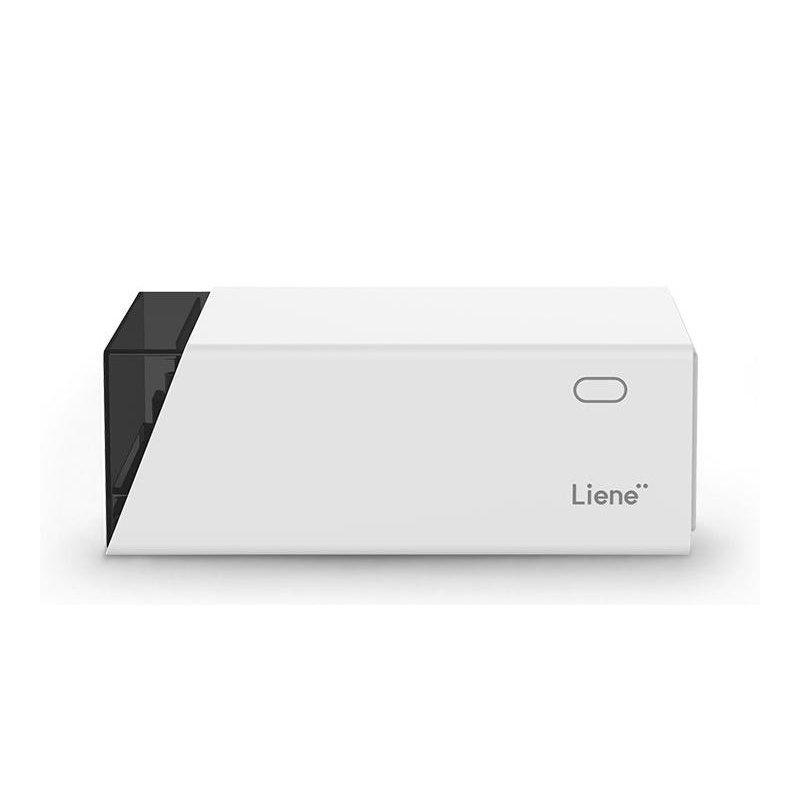
Liene PixCut S1 printer

Liene PixCut S1

Mid-range price range

Dye-sub printing with a laminate pass and automatic kiss-cutting on 4″ × 7″ sheets.

See details ›
Best cutter to pair with a printer#2
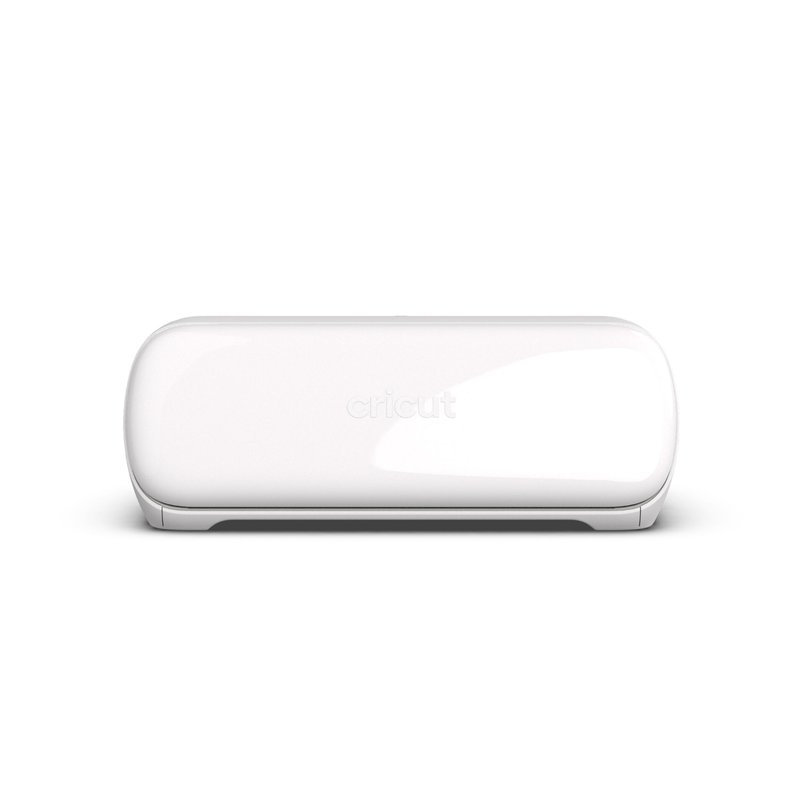
Cricut Joy Xtra printer

Cricut Joy Xtra

Mid-range price range

Print Then Cut up to 7.44″ × 9.94″ on letter paper, in a compact machine.

See details ›
Best wider cutter#3
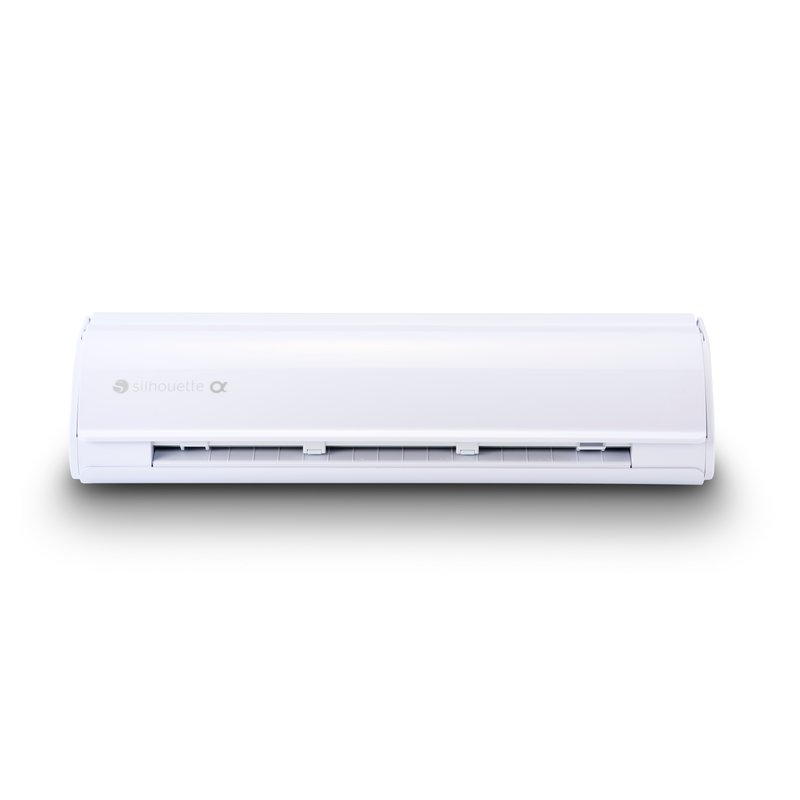
Silhouette Cameo 5 Alpha printer

Silhouette Cameo 5 Alpha

Mid-range price range

Four-point registration marks and a 12″ × 24″ mat area.

See details ›

In detail

Who each one suits

Specifications are each brand’s own; notes draw on sticker paper makers, Cricut’s help centre and independent reviews. We have not tested or used these printers ourselves.

Best all-in-one#1

Liene PixCut S1

The PixCut S1 removes the separate cutting step. It prints with dye-sublimation, adds a protective laminate pass and then kiss-cuts around each design on its own, from a phone app. The catch is size: everything happens on 4″ × 7″ sheets.

Why it stands out

  • Four-pass D2T2 dye-sub printing with a laminate layer, at 300 × 300 dpi (TechRadar).
  • Kiss-cuts automatically; the app assigns cut paths for you.
  • TechRadar’s review praised its shop-quality laminated stickers.
TypePrinter and cutter in one
Ink or mediaDye-sub ribbon + 4″ × 7″ sticker sheets
Largest sizeAbout 3.9″ × 6.7″ printable
Paper handlingPrints, laminates and kiss-cuts; no mat
Best forSmall laminated photo stickers

Good fit if

  • You want finished photo stickers with no cutting machine or calibration.
  • You make small batches for events, gifts or a market stall.

Skip it if

  • You want big sheets or full-page designs.
  • You want to fine-tune cut lines: reviewers found the cut paths hard to customise.
  • You already own a Cricut or Silhouette.
Best cutter to pair with a printer#2

Cricut Joy Xtra

The Joy Xtra is the smallest Cricut that can Print Then Cut. You print the design on your own inkjet with Cricut’s sensor marks, and the machine reads the marks and cuts around each sticker. It does not print anything itself.

Why it stands out

  • Print Then Cut up to 7.44″ × 9.94″ on letter paper, or 7.2″ × 10.62″ on A4 (Cricut).
  • Cuts on a mat up to 8.2″ × 11.7″; Bluetooth to Design Space.
  • Tom’s Guide called it its top recommendation for people getting started.
TypeCutting machine (does not print)
Ink or mediaPairs with your inkjet for Print Then Cut
Largest sizePrint Then Cut 7.44″ × 9.94″ on Letter
Paper handlingMat cutting up to 8.2″ × 11.7″
Best forCutting home-printed sticker sheets

Good fit if

  • You already have, or are buying, a home inkjet.
  • You want die-cut or kiss-cut stickers without cutting by hand.

Skip it if

  • You want tabloid or A3 Print Then Cut sheets: Cricut lists those for Explore, Maker and Venture only.
  • You want one box that prints and cuts: see the PixCut S1.
Best wider cutter#3

Silhouette Cameo 5 Alpha

The Cameo 5 Alpha is Silhouette’s current full-size cutter, replacing the Cameo 5. Like a Cricut, it does not print; you print with registration marks on your home printer and it cuts around the design. It cuts wider than the Joy Xtra and uses a four-point registration system.

Why it stands out

  • 12″ × 24″ guaranteed area with a mat; 11.6″ cut width on lined material.
  • Four-point registration marks for Print & Cut, per Silhouette.
  • Cuts up to 16 ft on lined material for long runs.
TypeCutting machine (does not print)
Ink or mediaPairs with your home printer for Print & Cut
Largest size12″ × 24″ with mat
Paper handling11.6″ cut width; 4-point registration
Best forBigger cutting jobs and other crafts

Good fit if

  • You want one cutter for stickers, vinyl decals and other crafts.
  • You prefer Silhouette Studio software.

Skip it if

  • You only cut letter-size sticker sheets: the smaller Portrait 4 or a Joy Xtra is enough.
  • You print on glossy sheets under bright light: glare is a common cause of registration failures.
Also worth a look

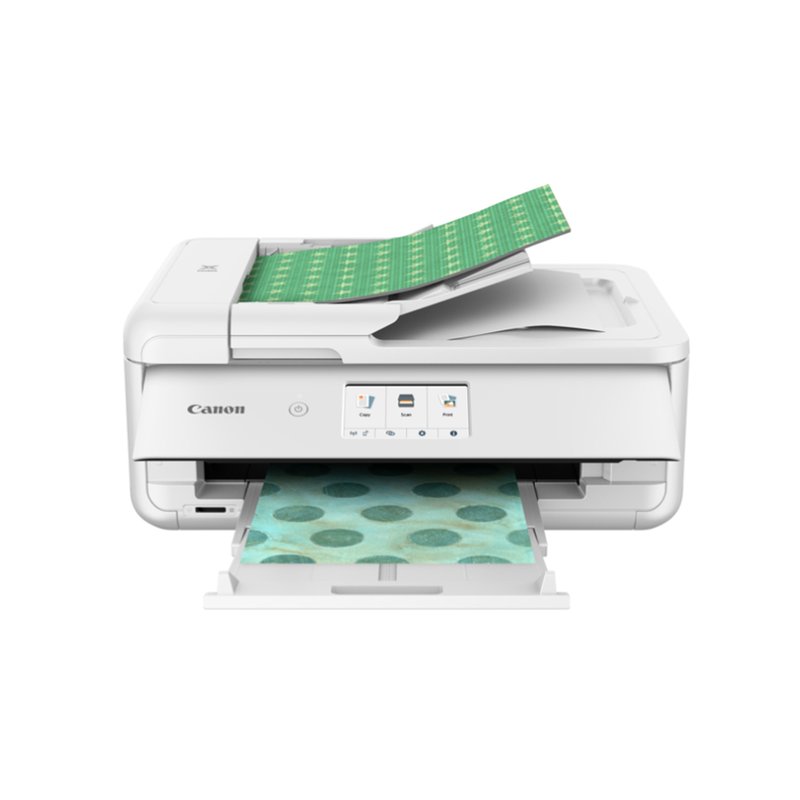
Canon PIXMA TS9521Ca

Canon sells the TS9521Ca as an all-in-one crafting printer. Its draw for sticker makers is paper size: it handles up to 11″ × 17″ and supports 12″ × 12″ scrapbook paper, with a rear tray for specialty media and a front cassette for everyday paper.

Why it stands out

  • Supports 12″ × 12″ and up to 11″ × 17″ paper.
  • Rear tray plus a front cassette, with automatic two-sided printing.
  • Art Side of Life calls the series its crafters’ pick for stickers, vinyl and transfer paper.
TypeCartridge inkjet sold as a crafting printer
Ink or mediaIndividual ink cartridges
Largest size11″ × 17″; 12″ × 12″ supported
Paper handlingRear tray plus front cassette
Best forCrafters and scrapbook-size sheets

Good fit if

  • You make stickers, cards and scrapbook pages and want one printer for all of it.
  • You use square craft paper.

Skip it if

  • You print a lot: cartridges cost much more per sheet than an ink tank.
  • You only use a Cricut Joy Xtra, Explore or Maker on letter paper: a letter-size printer does the same job.

Canon’s pages confirm the older TS9521C’s cartridges (pigment black plus dye colours); check the cartridge list on the TS9521Ca listing before you buy ink.

Tired of cutting stickers by hand?

An all-in-one sticker maker skips the cutter and calibration. See what owners say about the cut quality.

See ratings & reviews ›

Tips

Three things that make the difference

01

Decide on sheet size first

The PixCut S1 uses 4″ × 7″ sheets; Joy Xtra Print Then Cut tops out at letter or A4.

02

Keep registration marks clean

Silhouette warns not to change marks or designs after printing, and not to place designs in the shaded area.

03

Use matte sheets with cutters

Cricut says Print Then Cut materials should be matte or non-reflective; glare causes misreads.

Honest note

An all-in-one saves time but limits you to its sheet size. Reviewers found the PixCut S1’s cut paths hard to customise and noted a small notch where kiss-cuts start. A separate printer and cutter cost more desk space but handle more materials.

FAQ

Questions people ask

Is there a printer that prints and cuts stickers?

Yes. All-in-one sticker makers such as the Liene PixCut S1 print with dye-sublimation, add a laminate layer and kiss-cut around each design, according to TechRadar. They work on small sheets: the PixCut S1 uses 4-by-7-inch sticker paper.

Does a Cricut print stickers?

No. A Cricut cuts but does not print. With Print Then Cut you print the design and sensor marks on your home printer, then the Cricut reads the marks and cuts.

Cricut or Silhouette for stickers?

Both cut printed stickers using marks printed on your home printer. Cricut’s Joy Xtra handles letter and A4 Print Then Cut; Silhouette’s Cameo 5 Alpha has a 12-by-24-inch mat area and four-point registration marks. Choose the software you prefer.

Does Silhouette scan and cut around any print?

No. Silhouette’s manual says its machines read registration marks and follow cut lines defined in the software, not any printed image. Brother ScanNCut models do scan printed images to create cut lines.

What is a kiss-cut sticker?

A sticker cut around the design but left on a larger backing so it peels easily. Sticker Mule describes kiss-cut stickers this way, and die-cut stickers as cut through both the vinyl and the backing.

Are PixCut S1 stickers waterproof?

Liene says the automatically laminated top layer is waterproof and fade-resistant, but gives no test conditions. One reviewer called the prints waterproof and UV resistant, while TechRadar mentioned only the protective laminate.

Print and cut in one box, or pair the best of each

Want the full picture? See all our picks for the best printer for stickers, compared by use, and the FAQ on paper, ink and cutting.