
Best Printer for Stickers · Mini printers

Best Mini Sticker Printer

For colour photo stickers, choose a ZINK pocket printer; for planner labels, a thermal one: our top pick is the Canon IVY 2. ZINK paper has the colour built in and a peel-off sticky back, so there is no ink to buy. Thermal printers like the Phomemo M02 Pro use heat-sensitive rolls and print one colour.

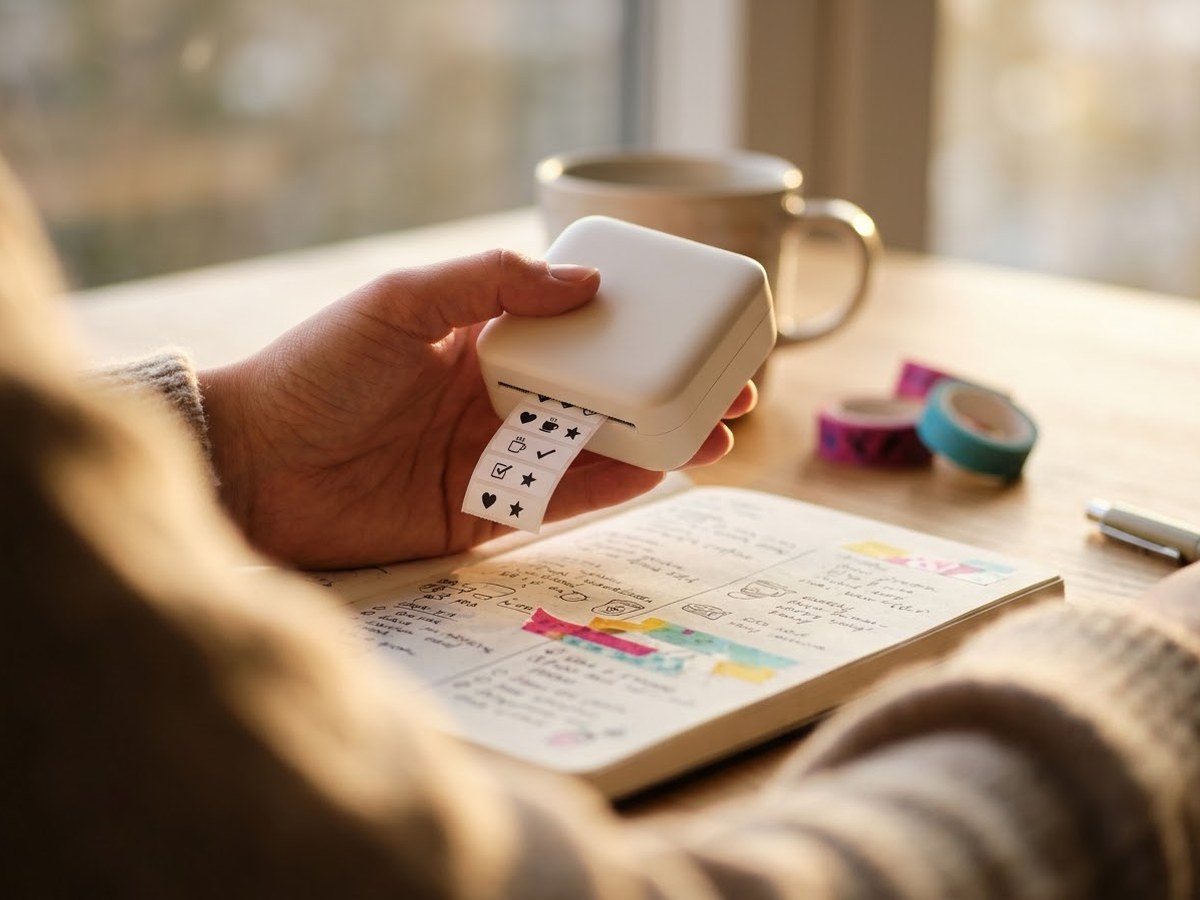
Palm-sized pocket printer held over an open planner with a strip of black-and-white sticker labels

Our top 3

Top picks at a glance

Best mini sticker printer#1
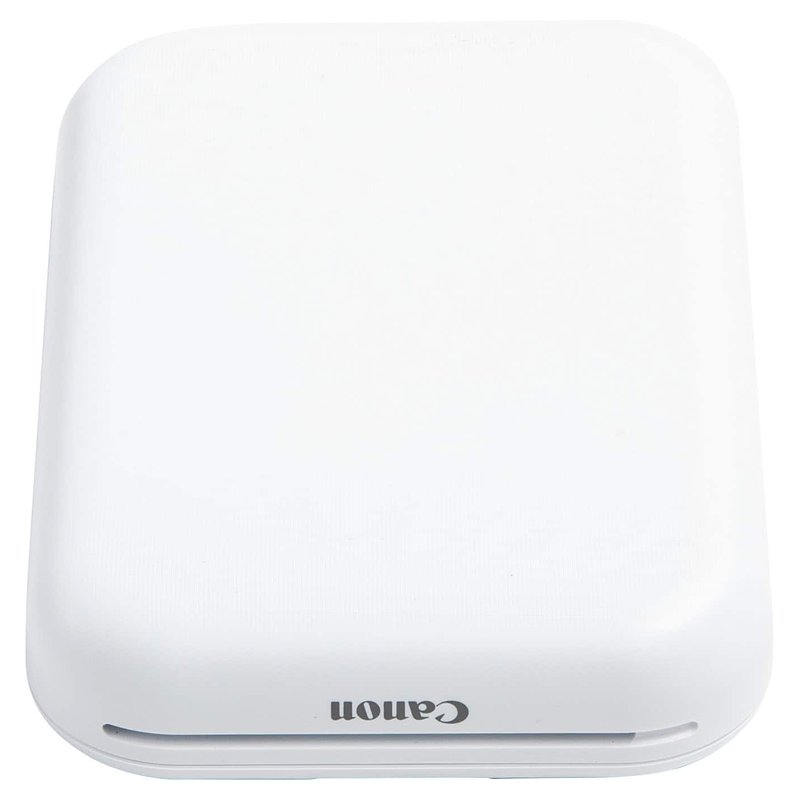
Canon IVY 2 printer

Canon IVY 2

Budget price range

Colour ZINK prints at 313 × 512 dpi on 2″ × 3″ sticky-back paper.

See options ›
Best for journaling labels#2
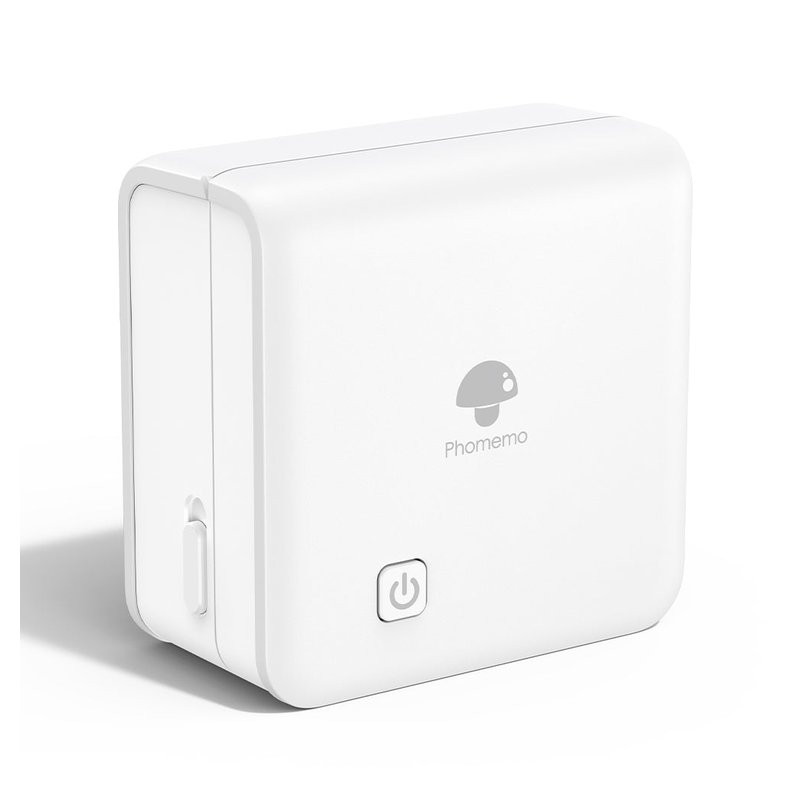
Phomemo M02 Pro printer

Phomemo M02 Pro

Budget price range

Inkless thermal printing at 300 dpi on 53, 25 or 15 mm sticker rolls.

See options ›
Best alternative#3
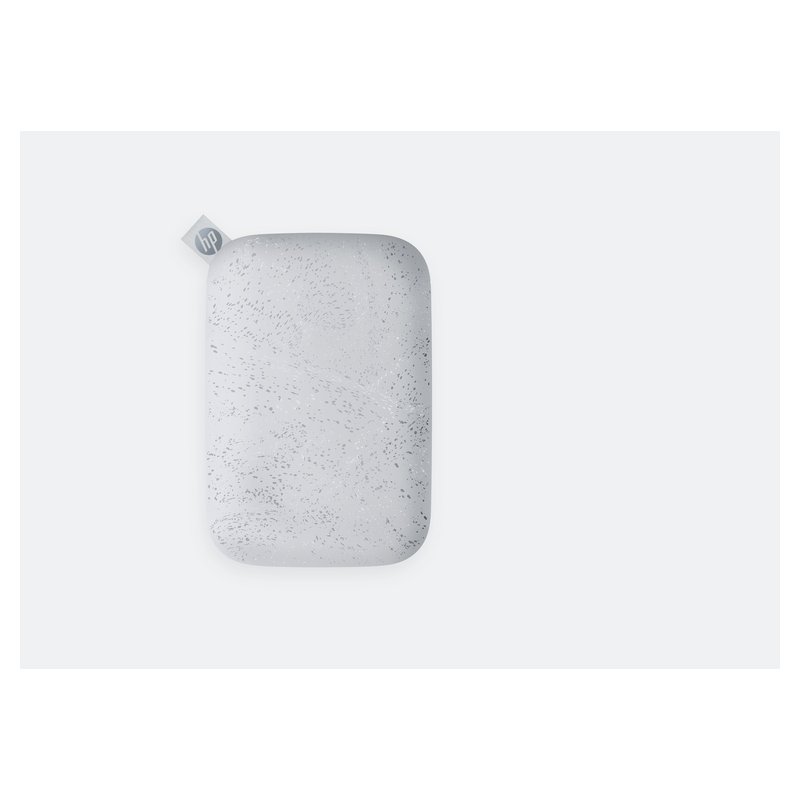
HP Sprocket 2x3 printer

HP Sprocket 2×3

Budget price range

ZINK 2″ × 3″ sticker prints from the HP Sprocket app.

See options ›

In detail

Who each one suits

Specifications are each brand’s own; notes draw on sticker paper makers, Cricut’s help centre and independent reviews. We have not tested or used these printers ourselves.

Best mini sticker printer#1

Canon IVY 2

The IVY 2 turns phone photos into 2″ × 3″ colour stickers using ZINK paper, which has the colour built in and a peel-off sticky back. Nothing to refill but the paper.

Why it stands out

  • ZINK zero-ink printing at 313 × 512 dpi, per Canon.
  • About 20 prints per charge; Bluetooth 5.0 with the Canon Mini Print app.
  • ZINK says its paper is water-resistant and smudge-resistant.
TypePocket ZINK photo printer
Ink or mediaNo ink: ZINK sticky-back paper
Largest size2″ × 3″ prints
Paper handlingFull colour, 313 × 512 dpi
Best forColour photo stickers on the go

Good fit if

  • You want colour photo stickers for journals, lockers or scrapbooks.
  • You want a gift that needs no ink or setup.

Skip it if

  • You want custom-shaped stickers or larger sizes: it prints one 2″ × 3″ size.
  • You plan to print hundreds: ZINK paper costs add up per print.
Best for journaling labels#2

Phomemo M02 Pro

The M02 Pro is a pocket thermal printer: no ink at all, just heat-sensitive sticker rolls printed from a phone app. It is great for planner labels, to-do stickers and little icons, and it prints one colour.

Why it stands out

  • 300 dpi inkless thermal printing, per Phomemo.
  • Takes 53, 25 and 15 mm rolls, including transparent and coloured sticker rolls.
  • Phomemo sells sticker rolls rated 2, 10 or 20 years if kept from heat and sun.
TypePocket thermal printer
Ink or mediaNo ink: thermal sticker rolls
Largest size53, 25 or 15 mm rolls
Paper handling300 dpi, one colour per roll
Best forJournal labels and notes

Good fit if

  • You decorate journals and planners with small labels.
  • You want something that fits in a pencil case.

Skip it if

  • You want colour stickers.
  • Your stickers will sit in sun or heat: the EPA notes thermal prints can be damaged by heat, sunlight, water and friction.
Best alternative#3

HP Sprocket 2×3

The HP Sprocket 2×3 does the same job as the IVY 2: ZINK sticky-back photo prints from your phone. It is now made under licence by C&A Marketing and sold in several colours.

Why it stands out

  • ZINK printing at 313 × 400 dpi on 2″ × 3″ sticky-back paper.
  • Bluetooth 5.0 and the HP Sprocket app.
  • A pre-cut sticker version of the ZINK paper is sold.
TypePocket ZINK photo printer
Ink or mediaNo ink: ZINK sticky-back paper
Largest size2″ × 3″ prints
Paper handlingFull colour, 313 × 400 dpi
Best forPhone photos as stickers

Good fit if

  • You like the Sprocket app or one of its colours.
  • You want small photo stickers and nothing more.

Skip it if

  • You want the sharpest colour: Tom’s Guide found its colour reproduction inconsistent.
  • You want USB-C: it charges over Micro USB.

Want photo stickers from your phone?

A ZINK printer needs only paper. See what owners say about colour and paper costs.

See ratings & reviews ›

Tips

Three things that make the difference

01

Store ZINK paper cool

Canon recommends storing ZINK paper at 34–77°F and 40–55% humidity.

02

Keep thermal prints out of sun

The EPA says thermal prints can be damaged by sunlight, heat, water and friction.

03

Check charge life

Canon rates the IVY 2 at about 20 prints per charge.

Honest note

Pocket printers make small stickers only. They print one fixed size or a narrow roll, ZINK paper adds up per print, and thermal output is one colour. For full sticker sheets you still need a regular printer.

FAQ

Questions people ask

Do mini sticker printers need ink?

No. ZINK printers use paper with the colours embedded, and ZINK says no cartridges, toner or ribbons are needed. Thermal printers use heat-sensitive paper, which the EPA notes is the only consumable.

Do mini sticker printers print in colour?

ZINK models do: the Canon IVY 2 and HP Sprocket print full colour on 2-by-3-inch paper. Thermal models such as the Phomemo M02 Pro print one colour, though coloured and transparent rolls are sold.

Are ZINK stickers waterproof?

ZINK and Canon call the paper water-resistant, not waterproof. ZINK says prints won’t bleed colour and are smudge- and tear-resistant. Avery’s definition of water-resistant is a useful guide: splashes and light moisture are fine, soaking is not.

How long do thermal stickers last?

It depends on the paper and storage. The EPA says thermal images typically last five to ten years with suitable paper and storage. Phomemo sells rolls it rates for 10 or 20 years if kept from heat and sun.

What is the print quality of the Canon IVY 2?

Canon lists 313 by 512 dpi on 2-by-3-inch ZINK paper, up from 314 by 400 dpi on the original IVY. The HP Sprocket 2×3 is listed at 313 by 400 dpi. Reviewers note colours can look faded.

Can a mini printer print on a Mac or PC?

Most are app-first. Canon’s IVY 2 connects by Bluetooth to the Canon Mini Print app, and Phomemo says the M02 Pro has no PC version.

Pocket-sized stickers, no ink to buy

Want the full picture? See all our picks for the best printer for stickers, compared by use, and the FAQ on paper, ink and cutting.