
Yes. Almost any home inkjet or laser printer can print stickers, as long as you load sticker paper or printable vinyl made for that type of printer. Avery’s rule is simple: inkjet products go in inkjet printers and laser products go in laser printers. Print the design, let it dry, then cut the stickers out by hand or with a cutting machine such as a Cricut. That is the whole process, and it works with the printer many people already own.
What a home printer can’t do on its own is make stickers that survive anything. Paper stickers are for indoor, short-term use; printable vinyl resists splashes; and for bottles or laptops that get wiped down, sticker makers like Cricut add a clear laminate. Most home printers also can’t print white ink, so white areas on clear stickers come out see-through.
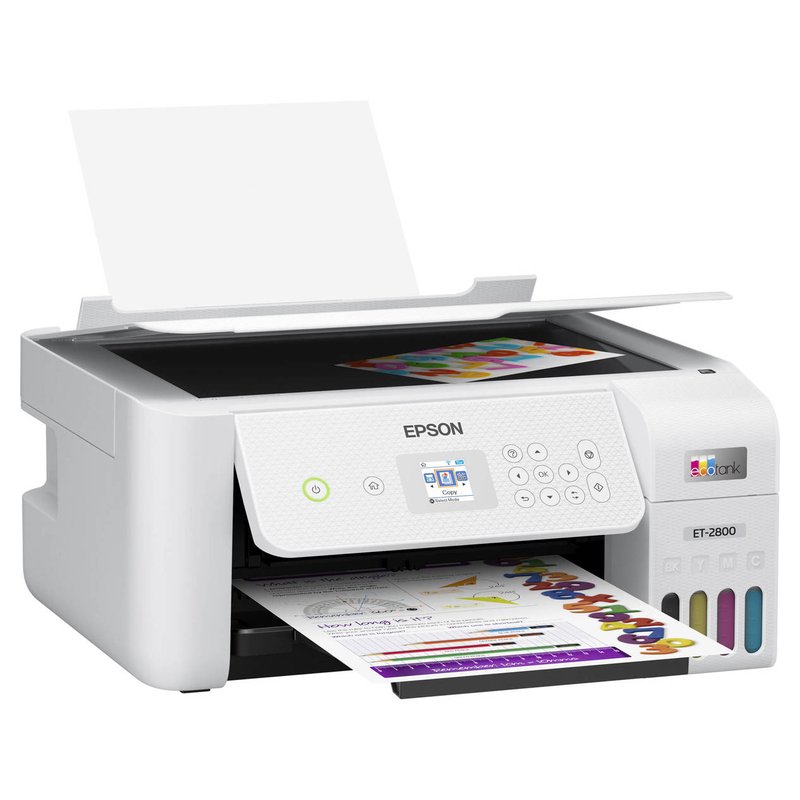
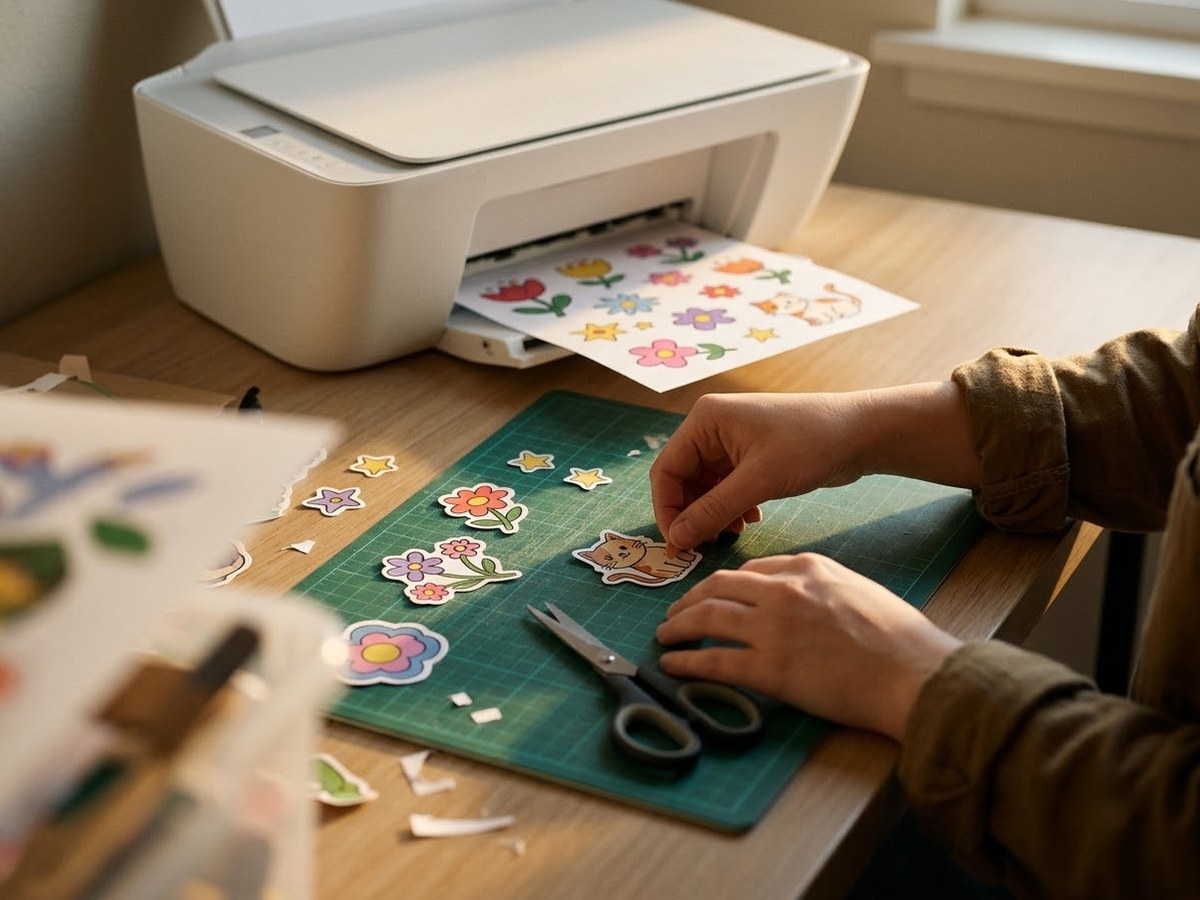
The four things you need
Printing stickers at home comes down to four parts. Get them to match each other and the rest is practice.
- A printer. An ordinary colour inkjet is the most flexible choice. A color laser works too, but only with laser-rated sticker sheets.
- Sticker media that matches the printer. Sticker paper, printable vinyl or clear film, labelled for inkjet or laser.
- A way to cut. Scissors, a craft knife, or a cutting machine such as a Cricut or Silhouette that reads marks printed around your design.
- Optional protection. A clear laminate sheet or overcoat for stickers that will be handled, washed or left in the sun.
You don’t need a dedicated “sticker printer” to start. Sticker artists’ guides such as Art Side of Life recommend ordinary photo and ink-tank inkjets, and the special pocket sticker printers on the market make small stickers rather than full sheets.
Inkjet or laser: which printer can you use?
Both, but they need different sheets. Avery says laser printers “use more heat than inkjet printers,” and it does not recommend running inkjet products through a laser because they aren’t meant to withstand that heat. The risks Avery lists are wilting card, weakened adhesive, colour changes and labels peeling off inside the printer and jamming it.
| Inkjet | Laser | |
|---|---|---|
| Printable vinyl | Yes, most brands sell inkjet vinyl | Only laser-rated vinyl |
| Glossy sticker paper | Yes, inkjet glossy stock | Only glossy stock made for lasers |
| Photo-like colour | Better, per Canon USA | Flatter colour, fine for graphics |
| Water resistance out of the box | Depends on ink and coating | Toner resists water, per OnlineLabels |
| Works with Cricut Print Then Cut | Recommended by Cricut | Only with non-heat-sensitive media |
For most people making colourful stickers, an inkjet is the better fit. If you print plain matte labels in volume and want them to shrug off water without laminating, a color laser on laser vinyl is a good alternative. Our guide to laser printers for stickers covers that route.
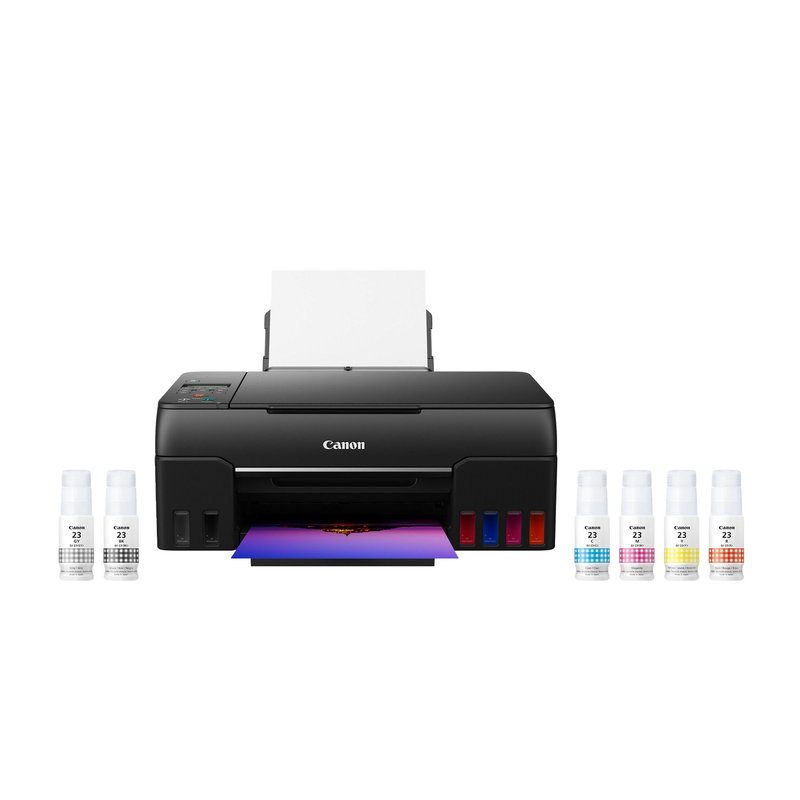
For brighter colour · Mid-range price range
Canon PIXMA G620
Six dye inks, including red and gray, in refillable tanks, and a rear paper tray that keeps thick sticker sheets on a gentle path. Canon lists its own media up to about 275 gsm.
See ink & options ›Sticker paper, vinyl or film?
The sheet you choose decides how long a sticker lasts more than the printer does. OnlineLabels sums up the trade-off: printable vinyl is “a durable, water-resistant material designed for long-lasting stickers,” while sticker paper “is best for indoor or short-term use” and is more cost-effective.
- Matte sticker paper is cheap, easy to write on and easy for cutting machines to read. Good for planners, labels and gifts.
- Glossy sticker paper makes colours look richer, but its shine can confuse a cutting machine’s sensor.
- Printable vinyl handles splashes and handling better, which suits water bottles, laptops and stickers you sell.
- Clear and holographic sheets look striking, but most home printers have no white ink, so white parts of the design print as bare film.
Check the pack before you print
- Is it labelled for inkjet, laser or both? Avery’s 4397 and 53202 sticker papers, for example, are made for both.
- Does it say which side to print on? Cricut flags printing on the front of its vinyl and on the shiny side of older clear sheets.
- Does it list a paper type or quality setting? Follow it; makers disagree on the best settings for glossy stock.
How to cut your stickers
You have three realistic options at home:
- By hand. Small scissors or a craft knife on a cutting mat. Slow, but it costs nothing extra and suits a few stickers at a time.
- With a cutting machine. Cricut calls it Print Then Cut: you print your design with sensor marks around it, and the machine reads those marks and cuts around each sticker. On letter paper, Cricut’s maximum Print Then Cut image is 7.44 by 9.94 inches.
- With an all-in-one sticker maker. Machines such as the Liene PixCut S1 print, laminate and kiss-cut small sheets in one go, according to TechRadar’s review.
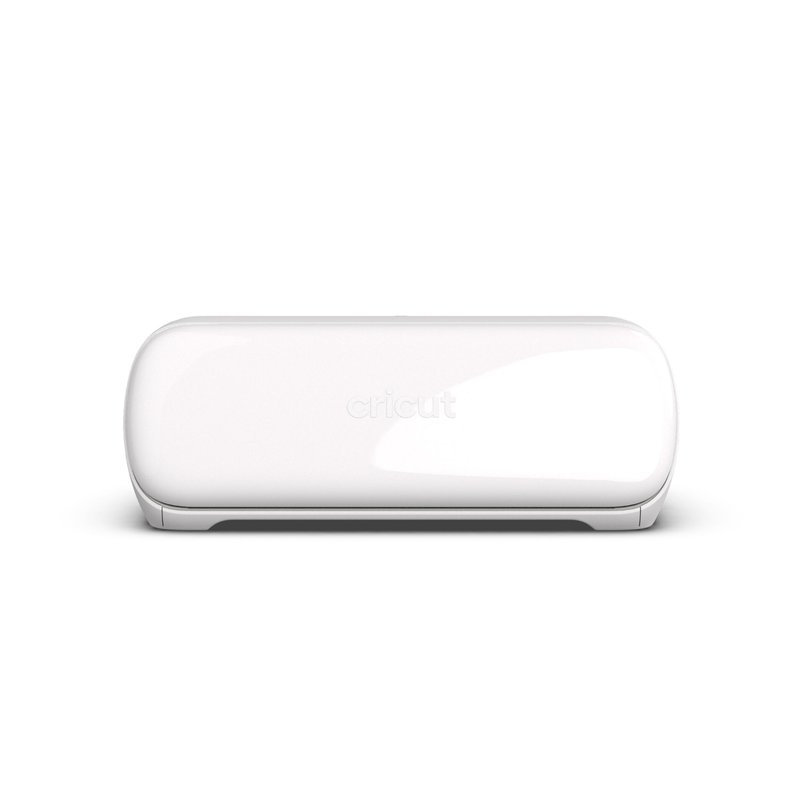
Smallest Cricut that can Print Then Cut · Mid-range price range
Cricut Joy Xtra
A compact cutter that reads the marks your inkjet prints and cuts around each sticker. Cricut lists letter and A4 Print Then Cut for it; the original Cricut Joy can’t do Print Then Cut at all.
View product details ›Making stickers last
This is where expectations and reality part ways. Avery’s sticker paper pages suggest water bottles as a use but make no waterproof claim, and its waterproof labels are only waterproof when printed on a laser or pigment-ink printer, because “traditional dye-based inkjet printers may smear when wet.”
The fixes are straightforward:
- Use printable vinyl or film rather than paper for anything that gets handled or wet.
- Let the ink dry before you cut or cover it. Cricut says to let ink dry first; OnlineLabels says waiting 24 hours before a topcoat is ideal, though a few hours lets ink set.
- Add a clear laminate. Cricut’s Waterproof Sticker Set pairs printable vinyl with a laminating sheet for this reason.
- Keep expectations realistic: we found no home sticker paper maker that claims its stickers are dishwasher safe.
Honest note
Home-printed stickers are excellent for gifts, planners, small batches and testing designs, but they take time to cut and need laminating to stand up to water. Sticker Mule describes its die-cut vinyl stickers as dishwasher safe; if you need hundreds of tough stickers, a quote from one is worth comparing.
Questions people ask
Can I use my regular printer to print stickers?
Usually, yes. Most home inkjets can print on inkjet sticker paper or vinyl, and laser printers can print on laser-rated sticker sheets. Avery says to use inkjet products with inkjet printers and laser products with laser printers. Feed one sheet at a time if your printer double-feeds.
What paper do I need to print stickers?
Sticker paper or printable vinyl labelled for your printer type. Sticker paper is cheaper and suits indoor use; printable vinyl is more durable and water-resistant, according to OnlineLabels.
Do I need a Cricut to make stickers?
No. You can cut stickers with scissors or a craft knife. A Cricut or Silhouette speeds things up by reading marks printed around your design and cutting along the outlines automatically.
Are home-printed stickers waterproof?
Not on their own. Printable vinyl is water-resistant, which Avery defines as handling splashes but not soaking. For real water exposure, add a clear laminate after the ink has dried.
Can I print white stickers on clear paper at home?
No. Most home printers have no white ink, so OnlineLabels and Avery both say white areas print as bare, clear material. Use white vinyl if your design needs white.
Read first: best printer for stickers · printers for vinyl stickers
Sources: Avery: laser vs inkjet products · Avery: laser printers and inkjet products · OnlineLabels: sticker paper · Cricut: How large can I Print Then Cut? · Cricut: Printable Waterproof Sticker Set · Avery: Durable Waterproof Labels 5657
Specifications are each brand’s own and can change between production runs. Check your printer’s manual and the sticker paper maker’s instructions before running specialty media.